Sharing Your Salon Price List on WhatsApp Without Starting a Bargain
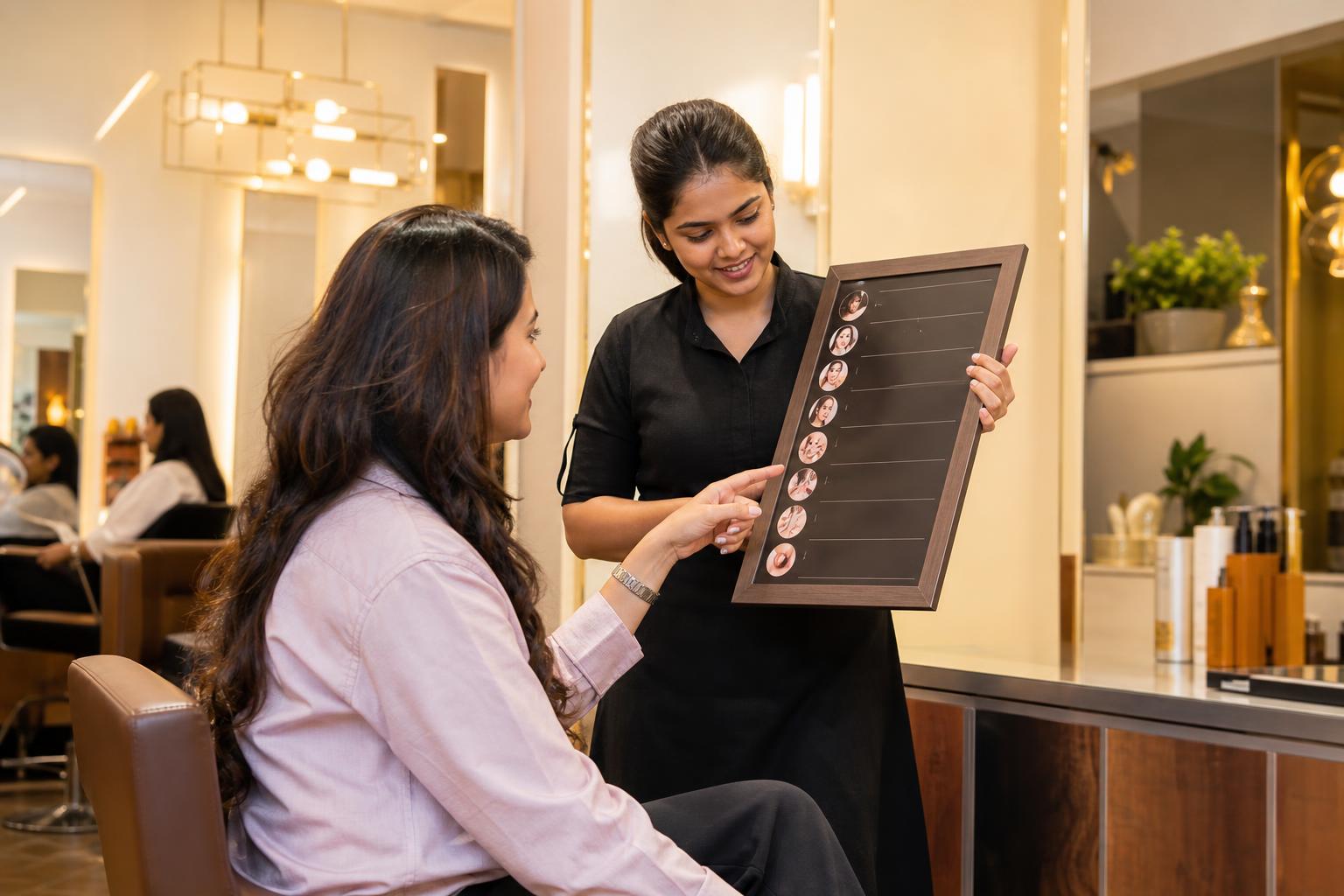
A salon price list is easier to share on WhatsApp when it answers the service question a customer actually asked. Imagine Meenakshi, a fictional parlour owner in Madurai. A customer asks about hair colour, so Meenakshi sends her entire menu. The customer replies with a cheaper screenshot. Meenakshi then has to explain that her quoted service includes work the screenshot may not cover. A focused colour card could have made that distinction clear earlier.
To share a salon price list on WhatsApp, send the smallest readable menu that answers the customer’s enquiry: a short text reply for a few services, a category card for related options, or a PDF when they request the full menu. Put the service name, price and actual inclusions together. Use a fixed price when the service has one; use a starting price only when you can explain what changes the total. For work that needs an assessment, say what information you need and whether the amount you provide is an estimate or a confirmed quote. Finish with a specific next step, such as asking for the preferred service and appointment day. Keep every format aligned with one current price record. This approach cannot prevent bargaining, but it helps customers compare the right services and gives staff a clear path from a price question to a booking conversation.
Key takeaways
- Reply with the relevant service category before offering the full menu.
- Show what the price includes beside the amount, not in a separate explanation.
- Explain the genuine condition behind every starting price.
- Label estimates and confirm the final service and total before booking.
- Update cards, PDFs and saved replies from the same price record.
What should your salon price list show on WhatsApp?
A useful WhatsApp price card should make sense even if a customer forwards it without the surrounding conversation. Include your salon name, branch or neighbourhood, service category, service names, prices and an updated month and year. Put a short inclusion beside any service that customers might otherwise compare with a different package. End with a prompt that tells them how to check an appointment time.
For example, a card could say: ‘Haircut — ₹[your fixed price]; includes [the steps your team actually provides]. Reply with your preferred day and branch to check availability.’ Replace the brackets before sending it. If the wash is a separate service, do not describe it as included. If a product choice changes the amount, explain how your team confirms that choice rather than leaving the customer to guess.
Read the card as a customer would. Can they identify the service they asked about? Can they tell whether the amount is fixed? If it is not fixed, can they see why? Do they know what to send back? If any answer is no, revise the card before working on its colours or layout.
Which format should you send: text, a salon menu card or a PDF?
Choose the format according to the enquiry, not according to which file is easiest for staff to find. A customer asking for one price may not want to search a full PDF. Someone comparing several services may appreciate a category card. Someone planning a longer visit may ask to browse the complete menu.
| Format | Best use | What to check |
|---|---|---|
| Short text reply | The customer asks about a few named services. | Give each service its own line and include a next step. |
| Category image card | The customer asks about related options, such as haircuts or colour. | Check that names, prices and conditions are readable on a phone. |
| Full PDF menu | The customer asks to browse multiple categories. | Make categories easy to find and remove outdated pages. |
| Personalised written quote | The requested work cannot yet be priced accurately from the menu. | Identify the proposed service, inclusions and whether the total is final. |
You can use more than one format in the same conversation. Start with the relevant card or text reply, then offer the PDF if the customer wants other categories. Do not make the customer open a large file merely to find one service. Conversely, avoid sending a string of separate images when they have explicitly asked for the whole menu.
Before staff begin using a new image or PDF, open it on the kind of phone they will use to send it. Check the smallest text, not just the headline. If a condition such as ‘wash not included’ is hard to read, the card is not ready. Keep a plain-text version of important prices so staff can answer directly when an image would be awkward.
How do you make a beauty parlour rate list customers can understand?
Start with the services you actually offer. Use the names customers use in enquiries, then distinguish variants when their inclusions differ. If eyebrow threading and full-face threading are separate services, give each its own line. If a service name could mean different things to different customers, add a short description rather than expecting staff to explain it after every price question.
Build the list in a worksheet before designing it. Give each row a service name, category, price type, amount, inclusions and any quote condition. For a fixed-price service, the condition field can say ‘none’. For a variable-price service, write the question staff must ask before confirming the total. This worksheet becomes the reference for cards, PDFs and saved messages.
Copy this category-card template and replace every bracketed field. Delete any line that does not apply to your salon:
[SALON NAME] | [BRANCH OR NEIGHBOURHOOD]Updated [MONTH YEAR][SERVICE CATEGORY][SERVICE 1] — ₹[FIXED PRICE]Includes: [ACTUAL INCLUSIONS][SERVICE 2] — from ₹[STARTING PRICE, IF APPLICABLE]Starting price includes: [ACTUAL INCLUSIONS]Final quote depends on: [GENUINE FACTOR]Reply with the service and your preferred day to check availability.
If the second service is fixed-price, remove ‘from’, the starting-price explanation and the final-quote condition. Do not leave template instructions visible on a public card. Use the same service name in the worksheet and the customer-facing menu so staff can locate the right row quickly.
Check the finished rate list against a realistic question: ‘Does this include the wash?’ A customer should be able to find the answer beside the relevant service, or the card should clearly invite them to confirm before booking. That is more helpful than a long disclaimer at the bottom that applies differently to each row.
How do you create a hair salon price list in India?
List each haircut, colour or treatment variant your salon provides and enter your own rupee amounts. Do not copy another salon’s prices as though they describe your services. The practical goal is to make your own menu internally consistent: staff should know which listed service matches the customer’s request and what must be checked before giving a total.
| Service row | Price field | Inclusions field | Question before quoting |
|---|---|---|---|
| [Your haircut variant] | ₹[your fixed price] | [What your team provides] | [None, if the price is fixed] |
| [Your haircut-and-wash variant] | ₹[your fixed price, if fixed] | [Haircut and the wash you provide] | [Any genuine condition, if applicable] |
| [Your colour variant] | From ₹[your starting price, if applicable] | [What that starting price covers] | [The factor your team needs to assess] |
Test the worksheet with this sample enquiry: ‘I want colour for shoulder-length hair. What will I pay?’ A staff member should be able to identify the likely service, ask any necessary follow-up question and explain when the final total will be confirmed. If the worksheet does not support that reply, add the missing distinction before publishing the card.
Make the visible menu shorter than the internal worksheet when necessary. Staff may need detailed notes about how to prepare a quote, but customers need a clear service description and a transparent price condition. Do not put an unexplained ‘from’ amount on the public card while keeping the reason for it only in staff notes.
When should a salon use a fixed price or a starting price?
Use a fixed price when your salon can commit to that amount for the service as described. Use a starting price when the listed service has a genuine variable that affects the total and the starting amount describes a real version of that service. Name the variable beside the price. If your team cannot explain what the starting amount covers, the entry needs more work before it goes on the menu.
A variable-price reply should separate what is known from what still needs checking. For example: ‘Our listed price for [service] starts at ₹[your amount] and covers [actual scope]. To quote your request, we need to confirm [genuine factor]. We’ll tell you the proposed total before you decide whether to book.’ This does not require staff to guess a final amount in the first message.
Use ‘estimate’ and ‘confirmed total’ deliberately. If a photo, consultation or other assessment is still needed, call the amount an estimate and explain the next step. If the team has agreed a final service and amount, state both together in writing. If the customer changes the requested work later, confirm the revised scope and total rather than relying on the original message.
Review starting-price entries during menu updates. Ask whether the starting version is still offered, whether its inclusions are described accurately and whether staff can explain the quote condition in ordinary language. A low number without a clear service attached may invite exactly the comparison you were trying to avoid.
How can you answer a price enquiry without starting a bargain?
Answer the price question first. Then explain the service, ask only the follow-up needed to quote or book, and avoid assuming that a cheaper screenshot represents an identical service. A calm comparison of inclusions is more useful than an argument about another business’s prices.
Here is a fictional WhatsApp exchange. Every amount is an example price, not a suggested rate:
Customer: ‘How much for a haircut and wash?’Salon: ‘In this example, a haircut is ₹500. A haircut with a wash is ₹750 and includes both steps. Which service would you prefer?’Customer: ‘The haircut and wash. Can you match a cheaper offer?’Salon: ‘The ₹750 example price is for the haircut and wash described above. If the other offer includes something different, I can help you compare the services. We also offer the haircut alone at the ₹500 example price.’Customer: ‘I’ll take the haircut and wash.’Salon: ‘What day and branch suit you? I’ll check available times and confirm the service and total before booking.’
In this sample calculation, ₹750 minus ₹500 equals ₹250 for the difference between the two example services. The point is not that customers will always choose the higher-priced option. It is that they can see what each option includes. Suggest a lower-priced alternative only when your salon genuinely offers it; do not invent a discount or remove a necessary step without saying so.
If a customer asks only ‘best price?’, bring the conversation back to the service: ‘Which service are you looking for? I can share its price and what it includes.’ If they name a budget, show an existing option that fits it, if one exists. If none does, say so politely. A clear answer is better than implying there is a hidden price staff can reveal after enough bargaining.
What message templates move a price chat toward booking?
Saved replies should speed up accurate answers, not replace the judgement needed for variable-price work. Keep the service and price fields tied to your current master record. Staff should edit bracketed details and check availability before sending a message that sounds like an appointment confirmation.
When the customer asks for one service:
‘[SERVICE] is ₹[YOUR FIXED PRICE] and includes [ACTUAL INCLUSIONS]. Would you like me to check times at [BRANCH] for [PREFERRED DAY]?’
When the customer asks for the full menu:
‘Here is our current menu for [BRANCH], updated [MONTH YEAR]. If you tell me which service you’re considering, I can point you to the right entry and check available times.’
When the final price needs an assessment:
‘[SERVICE] starts at ₹[YOUR STARTING PRICE] for [WHAT THAT PRICE COVERS]. The total depends on [GENUINE FACTOR]. Could you tell us [NECESSARY QUESTION]? We’ll explain the proposed service and confirm whether the quote is final before you book.’
When a customer is ready to book:
‘To check availability, please send your preferred day, branch and service. We’ll reply with an available time and confirm the service details and agreed price before completing the booking.’
Read each template aloud before saving it. Does it answer the question the customer asked? Does it imply that a time is reserved when staff have not checked? Does it promise a fixed total for work that has not been assessed? Edit the template until its next step matches your actual booking process.
How do you keep WhatsApp prices and booking replies consistent?
Choose one master price record and one person responsible for approving changes. The record should contain the service name, current price or starting price, inclusions, quote condition, branch if relevant, and date of the latest update. Staff can suggest corrections, but customer-facing versions should be changed from the approved record rather than from memory.
Use this update checklist whenever a service, price or inclusion changes:
- Confirm the approved service name, amount and inclusions in the master record.
- Update the relevant category card and full PDF.
- Update saved text replies that mention the service.
- Remove older files from the folders staff commonly use for sending menus.
- Open the new card or PDF on a phone and check its readability.
- Ask a staff member who did not edit the menu to answer a sample enquiry from it.
For an individual booking conversation, note the selected service, branch, any outstanding quote condition, agreed total if confirmed, and appointment time once agreed. If the price is still an estimate, keep that status visible in the conversation. This makes it easier for the next staff member to continue without treating an unfinished quote as a final agreement.
Tools may help if your team handles many menu and appointment conversations, but evaluate them against your own workflow. For example, check how staff can review variable-price enquiries and confirm details before a booking is completed. You can explore Intellibook AI salon booking software as one option; verify its current features against the steps your salon needs.
What should you check before sending a new menu?
Run a final test using three fictional customers rather than checking only whether the design looks finished. The first asks for a simple fixed-price service. The second asks about work whose total depends on an assessment. The third forwards a screenshot of a different offer and asks why your amount is higher. Your menu and replies should let staff answer each person without inventing an inclusion, a discount or a final quote.
| Test enquiry | A satisfactory reply should include |
|---|---|
| ‘How much is [fixed-price service]?’ | The correct amount, actual inclusions and a booking prompt. |
| ‘What will [variable-price service] cost me?’ | The genuine starting scope, the information needed and when the total will be confirmed. |
| ‘Why is this other offer cheaper?’ | Your own service details without guessing what the other offer includes. |
Finally, check that the menu’s updated month and year match the version staff are sending. A clear menu is less useful when an old card remains in circulation. If staff cannot tell which file is current, fix the file-naming and storage process before sharing the new design widely.
Frequently asked questions about salon price lists on WhatsApp
What should a beauty parlour rate list include?
Include the services you actually provide, each fixed price or clearly explained starting price, and the inclusions customers need to understand the difference between options. Add your salon name, branch and updated month and year. For variable-price work, state what your team must check before confirming a total. Finish with a clear appointment prompt.
How do I make a salon menu card for WhatsApp?
Choose one service category, then put each service beside its price and brief inclusions. Explain any genuine condition attached to a starting price and add a prompt to request an appointment. Open the finished card on a phone to check readability. Keep a text version ready when a customer wants a direct answer.
How do I make a hair salon price list in India?
Make a worksheet of your own haircut, colour and treatment variants. Enter your rupee prices, actual inclusions and any factor that changes a quote. Check that staff can answer a sample customer enquiry from the worksheet, then create category cards or a PDF. Update those formats together whenever your menu changes.
Should I send a PDF or an image of my salon price list?
Send a readable category image or short text reply when the customer asks about a specific service group. Offer a PDF when they want to browse several categories. Neither format replaces a personalised written quote when the final amount depends on the requested work. Whichever you send, check that it matches your current price record.
Turn a price question into a clear booking conversation
Send the relevant menu, clarify any price condition, then confirm the selected service and available time. If keeping those steps consistent across staff is difficult, evaluate whether Intellibook AI fits your salon’s quoting and booking workflow.