Salon Walk-In Queue: Manage the Wait on WhatsApp
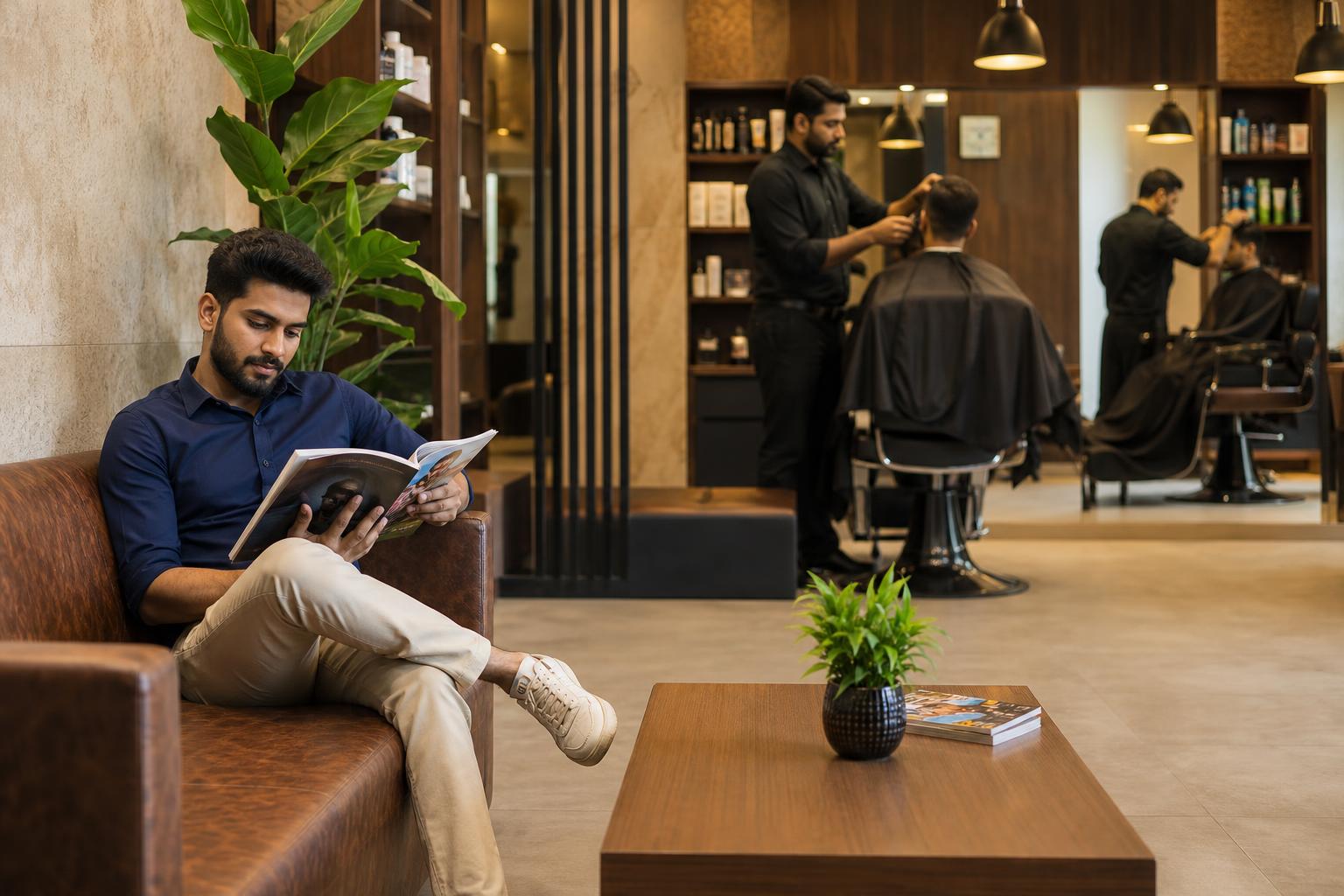
A salon walk-in queue needs one reliable record and a clear way to update clients. Picture a hypothetical Saturday at a Bengaluru salon: a booked client arrives, two people ask for haircuts, and another wants a particular stylist. One walk-in would happily get coffee while waiting, but reception cannot tell them when to return until it checks the appointments and work already in progress.
To manage a salon walk-in queue on WhatsApp, keep the queue in a staff-maintained list and use WhatsApp for client updates. Record each walk-in’s arrival time, requested service, stylist preference and current status. Check booked appointments and work in progress before offering an estimated wait; an empty chair is not necessarily available for the requested service. Tell clients how you choose the next suitable opening, ask whether they want WhatsApp updates, and agree on how much notice they need before returning. Assign one person per shift to keep the list current and send revised estimates when plans change. A paper list may suit a small team; a shared digital queue can help when several staff members need the same information. Either way, keep an alternative for clients who do not use WhatsApp. The goal is not to promise an exact start time: it is to give people an honest, usable update while protecting booked appointments.
How do you set up a salon walk-in queue on WhatsApp?
Start with a queue record that staff can check before they answer any client. WhatsApp conversations alone are a poor substitute: requests can sit in different chats, and the most recent message does not necessarily belong to the next person who can be served. Choose a paper sheet, a shared document or a queue tool, then tell everyone on the shift which record is authoritative.
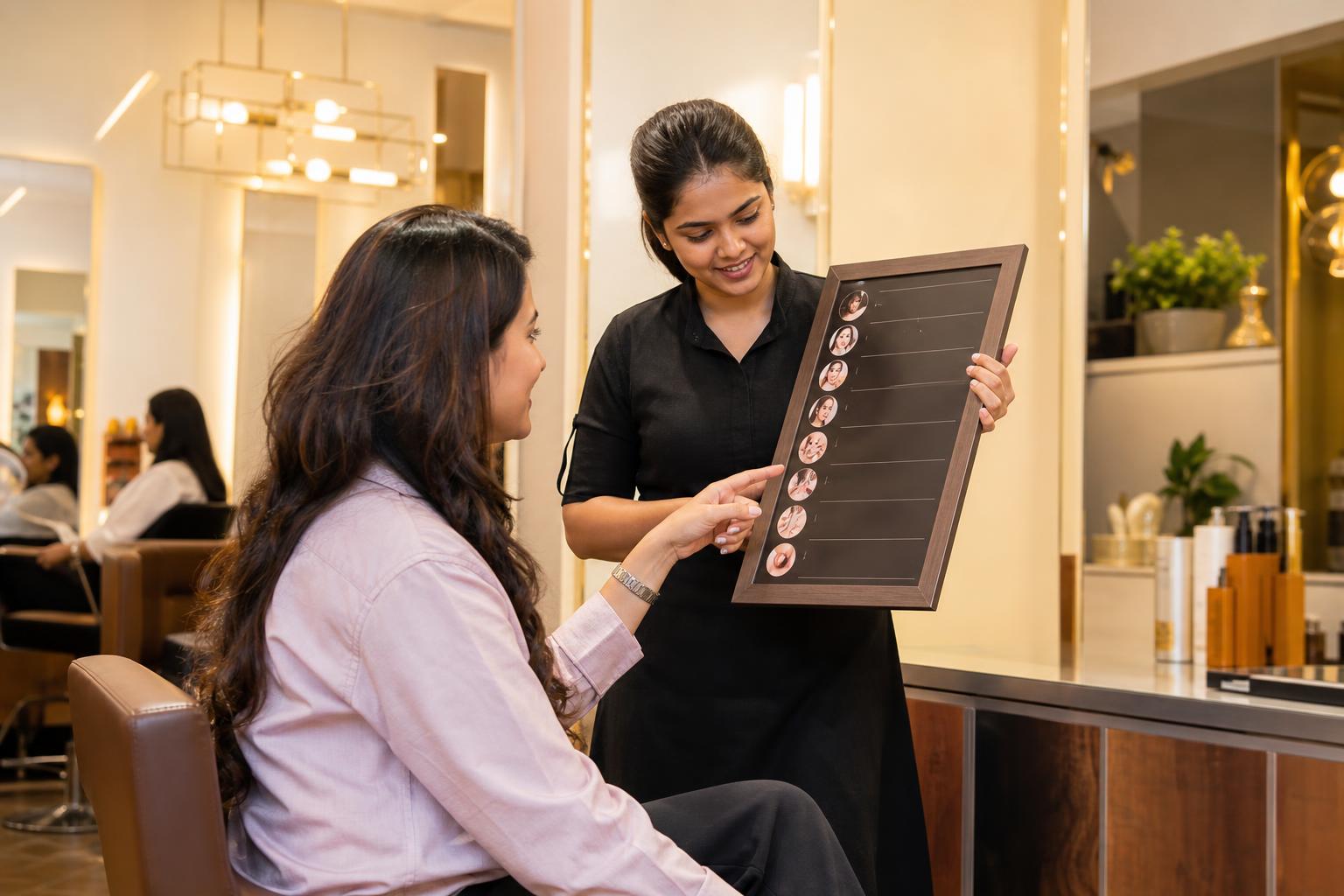
- Record the request. Note the arrival time, service requested and preferred stylist, if any. Ask whether another suitable stylist would be acceptable. Record a contact number for updates only if the client agrees to receive them.
- Check capacity. Look at booked appointments, services in progress and the openings each stylist can reasonably take. Check service requirements before treating an open chair as free capacity.
- Explain the rule. Tell the client whether you offer each opening to the next person whose service and stylist preference fit, rather than promising a simple first-in, first-out line that you cannot maintain.
- Give a checked estimate. If the finish time of an earlier service is uncertain, explain that the estimate may move and say when staff will review it.
- Update the record first. When a service starts, a client leaves or a preference changes, correct the queue before messaging anyone affected.
- Close the loop. Mark the client as in service or removed from the queue, so the next shift does not contact them unnecessarily.
Name a queue owner for each shift and a backup for breaks. The owner does not have to make every service decision alone; their job is to ensure the shared record reflects decisions made at reception and by stylists. At handover, review everyone still waiting, any promises about return updates and any bookings that may affect the next opening.
What should reception record for each walk-in?
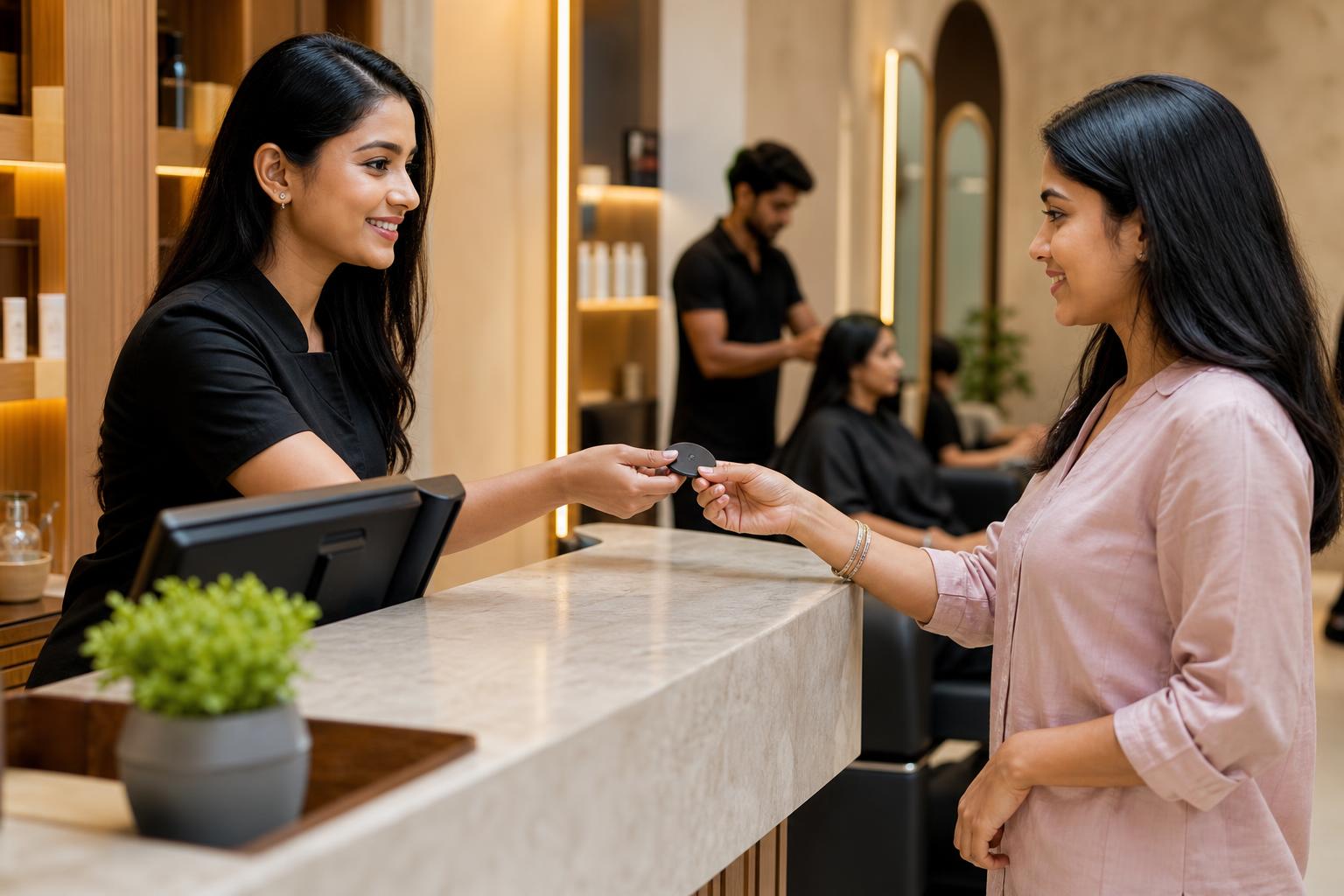
Keep the entry short enough to complete while the client is standing at the desk. A practical template is: arrival time | requested service | preferred stylist or any suitable stylist | estimated wait and time checked | update method | status | staff note. Use the staff note for an operational detail such as “will return after an update,” not for unnecessary personal information.
Make status labels unambiguous. For example, a salon might use “waiting here,” “waiting nearby,” “called,” “in service” and “left.” Those are suggested labels, not a required system. If someone steps out, the entry should remain visible until they return, decline the opening or agree with staff on another arrangement. A number alone will not tell the team whether that person is still waiting.
Ask one useful question at check-in: “If your preferred stylist is unavailable, would you like us to offer another suitable stylist?” Record the answer rather than assuming. If the client later changes their mind, update the entry and explain whether their estimated wait has changed. This prevents two staff members from giving different answers to the same person.
How should a salon manage walk-ins alongside appointments?
Choose a consistent booking rule before the busy period. One workable approach is to protect planned appointment starts, then offer walk-ins the next opening that fits the requested service and available stylist. Staff should know when to pause and check with the person managing bookings rather than squeezing in a service simply because a chair is currently empty.
Consider an illustrative Saturday schedule. At 2:00 p.m., a stylist has a booked client due at 2:30 p.m. A walk-in requests a service that staff expect may extend beyond that booking. The stylist may appear free now, but reception should not promise that chair without checking whether the service can fit. Another stylist may have an appropriate opening, or the client may choose to wait. The decision comes from the actual appointment book and service requirements, not from a standard wait time.
Queue order also needs an explanation. A client requesting any available stylist may be served before someone who arrived earlier but wants one person in particular. Tell both clients at check-in that the next suitable opening determines the offer. If your salon instead uses a different rule, document it and make sure staff describe it the same way. A fair process is easier to follow when clients know the rule before it affects them.
When an appointment or service runs late, revise affected walk-in estimates. Do not quietly move a booked client or tell a walk-in their turn is guaranteed. If no opening is reasonably predictable, offer to check again at an agreed time rather than inventing precision.
What should you check in a salon waiting list app?
A salon waiting list app is useful only if it matches the decisions your team actually makes. During a demonstration, ask a staff member to enter a walk-in, select a service, record a stylist preference and change the client’s status. Then repeat the exercise while someone else views the same queue. Can both people tell what changed?
- Appointments and walk-ins: Can staff see both when deciding whether a stylist is available, or must they check separate screens?
- Service fit: Can the team distinguish requests that need different amounts of time or different staff?
- Preferences: Can a client request a particular stylist, accept another or change their choice without losing the history staff need?
- Exceptions: What happens when a client leaves, a booking is delayed or an estimated wait changes?
- Updates: Does the tool actually send WhatsApp messages, or must a staff member copy information into a chat? Ask the provider to show the exact steps.
- Handover: Can the next shift identify who is waiting and which estimates need checking?
Test the workflow with your own service list, not just a polished demonstration. An app should make corrections easier, not encourage staff to trust an estimate nobody has checked. Verify current features, setup requirements and pricing directly with any provider before committing.
When does a walk-in token system suit a salon?
A walk-in token system gives clients a visible reference and gives staff a simple way to call the next person. It can suit a reception where people wait on-site or close enough to hear a call. The token must still connect to a record of the requested service and any stylist preference; otherwise, staff may call a number that cannot use the chair that has opened.
Decide what the number means. It might mark arrival order while staff assign openings based on service fit. If so, explain that a higher number may sometimes be called first because a different stylist or service slot is available. Do not describe tokens as a strict turn-by-turn promise unless your team can honour that rule.
Tokens, shared lists and WhatsApp updates can work together. The token identifies the request, the queue record explains its status, and the message tells a client who has stepped away what to do next. None should contradict the others.
Choose a queue method for an Indian salon
| Method | Consider it when | What staff still need to do |
|---|---|---|
| Paper list | One reception point manages a straightforward queue | Write legibly, protect the list from being misplaced and hand it over between shifts |
| Numbered tokens | Clients want a visible reference while waiting nearby | Connect each token to its service request and explain calling exceptions |
| Shared digital queue | Reception and several stylists need the same current view | Correct status and preference changes promptly |
| Queue plus WhatsApp updates | Clients may wait away from the reception desk | Confirm they want messages and check the queue before sending each update |
This is a decision aid, not a ranking of products. A busy salon can start with a clear paper process and later test whether a digital tool removes a specific handover problem.
How can a barber shop queue app handle barber preferences?
A barber shop queue app should distinguish between “next available barber” and “this barber only.” Record the requested service and ask the client whether they would accept another suitable barber. Without that answer, a queue may appear shorter than the real wait for the person the client wants.
For example, suppose a client arrives first and requests Barber A only. A later client is happy to see any available barber. If Barber B becomes free first, staff can offer that chair to the later client while keeping the first client’s request active. Explain this at check-in; otherwise, it can look as though the earlier client has been skipped without reason.
Test preference changes in any app you consider. Can staff switch a request from “Barber A only” to “any suitable barber” and immediately see which openings are relevant? Can they avoid accidentally moving a client to a different barber without asking? The tool should support the shop’s stated rule, not silently make that decision for staff.
How do you write useful WhatsApp wait updates?
A useful update tells the client what the salon knows, what may change and what action to take. Avoid a vague “your turn is soon” if the team has not checked the queue. Avoid an exact start-time promise when an earlier service is still in progress. Keep the message short enough to read while the client is away from the salon.
At check-in: “We’ve added your [service] request to our walk-in list. Based on the current appointments and services, the estimated wait is [checked estimate]. We’ll update you if that changes.”
When the estimate changes: “Your estimated wait for [service] has changed to [revised estimate] because an earlier service is taking longer. We’ll check again at [agreed check-in time]. Please reply if you no longer wish to wait.”
Before an opening: “A suitable stylist may be ready soon. Can you return to reception now? Please reply so we know whether to keep your request active.”
These are templates, not messages to send with placeholders intact. Staff should confirm the service, estimate and next action against the queue record before sending. Agree on what to do if a client does not reply or cannot return promptly, and explain that approach at check-in. Keep a phone call or an in-person update available for someone who does not want WhatsApp messages. Verify any current WhatsApp requirements with the messaging service or provider you use rather than assuming that every proposed message workflow is available.
How can you manage salon walk-ins during a busy shift?
Use a repeatable reception routine: greet, record, check, estimate and confirm the update method. Then review the queue whenever a stylist starts or finishes a service. A predictable routine reduces the need to reconstruct the order from memory when several people arrive together.
Here is a worked example for an illustrative Jaipur salon; the times describe a sample shift, not a recommended waiting-time target. At 3:05 p.m., a walk-in asks for a haircut with any suitable stylist. Reception checks the bookings and services in progress and records an estimated wait of around 30 minutes. At 3:12 p.m., another client asks for a particular stylist and agrees to wait nearby. At 3:20 p.m., an earlier service takes longer than expected. Reception changes the first client’s estimate and sends an update instead of waiting for them to return at the originally suggested time.
At 3:35 p.m., a different stylist becomes available. The first client’s request fits that opening, but the second client still wants the specific stylist they named. Staff contact the first client and keep the second request active. The point is not that these sample times will repeat elsewhere. It is that every change follows the same sequence: check the appointment book, update the shared record, then communicate the next suitable opening.
Before the next shift takes over, the queue owner should read out active entries and identify anyone waiting away from the premises. Check which estimates have become stale. A handover is complete when the incoming staff member can explain the next likely opening without searching through individual chats.
How do you test a WhatsApp queue workflow before adopting a tool?
Run a short trial using the record your staff already understand. For each walk-in in that trial, note the arrival time, requested service, estimate given, actual start and whether the person stayed or left. These are observations for your salon, not an industry benchmark. Review mismatches after the shift: was a booking overlooked, did a service run long, was a preference missed, or did nobody send the promised update?
Next, test the awkward situations deliberately. Have a staff member simulate a client stepping out, another changing stylist preference and a booked appointment arriving while a chair appears free. Ask the person on reception to show the updated record and explain what they would tell each client. If the answer depends on remembering an unwritten exception, write down the rule before buying software.
When comparing providers, ask them to demonstrate those same situations using your service list. Confirm whether the queue and appointment book share information, whether WhatsApp updates require staff action, and how a shift handover works. Verify current pricing, features and applicable messaging requirements directly. If booking enquiries are also interrupting reception, explore Intellibook AI salon booking software and ask how its booking conversations would fit alongside your chosen queue record. Intellibook AI should be evaluated as part of your workflow, not treated as a substitute for staff checking who can take the next walk-in.
Key takeaways
- Keep one current queue record for services, arrival times, preferences and status.
- Check bookings and work in progress before offering a walk-in an estimated wait.
- Use WhatsApp to send checked updates, not to replace the queue record.
- Explain how the next suitable opening is assigned, especially when stylist preferences differ.
- Test late services, clients stepping out and shift handovers before choosing a tool.
Frequently asked questions
How do I manage walk-ins in a salon?
Record each person’s arrival time, service and stylist preference in one queue. Check appointments and work in progress before estimating a wait. Explain how you assign the next suitable opening, then update the record when circumstances change. If the client agrees to WhatsApp messages, send a revised estimate when the original one is no longer useful.
Is a salon waiting list app better than a paper list?
A paper list can work when a small team shares one reception point and keeps it current. An app may help when several people need to view or change the queue. Test either method with a late booking, a client who leaves and a stylist-preference change. Verify any app’s current features and pricing with its provider.
How does a walk-in token system work in a salon?
Staff issue a token and connect it to the client’s requested service and stylist preference. They call the next suitable client under a rule explained at check-in. A token can show arrival order, but it cannot by itself estimate a wait or alert someone who has stepped out. Staff still need to update the queue and communicate changes.
Can a barber shop queue app handle preferred barbers?
It can if the app lets staff record a preferred barber, note whether the client accepts someone else and update that choice. Test those actions before selecting a tool. Explain that a client waiting for one barber may start later than someone who arrived afterward but is willing to see any available barber.
Let clients leave the reception area without losing their place
Keep one checked walk-in record, give each client a realistic update plan and tell them when a suitable stylist is nearly ready. If booking chats are adding to reception’s workload, assess whether Intellibook AI fits alongside that queue process.