Test Drive Booking on WhatsApp: A Step-by-Step Setup for Dealers
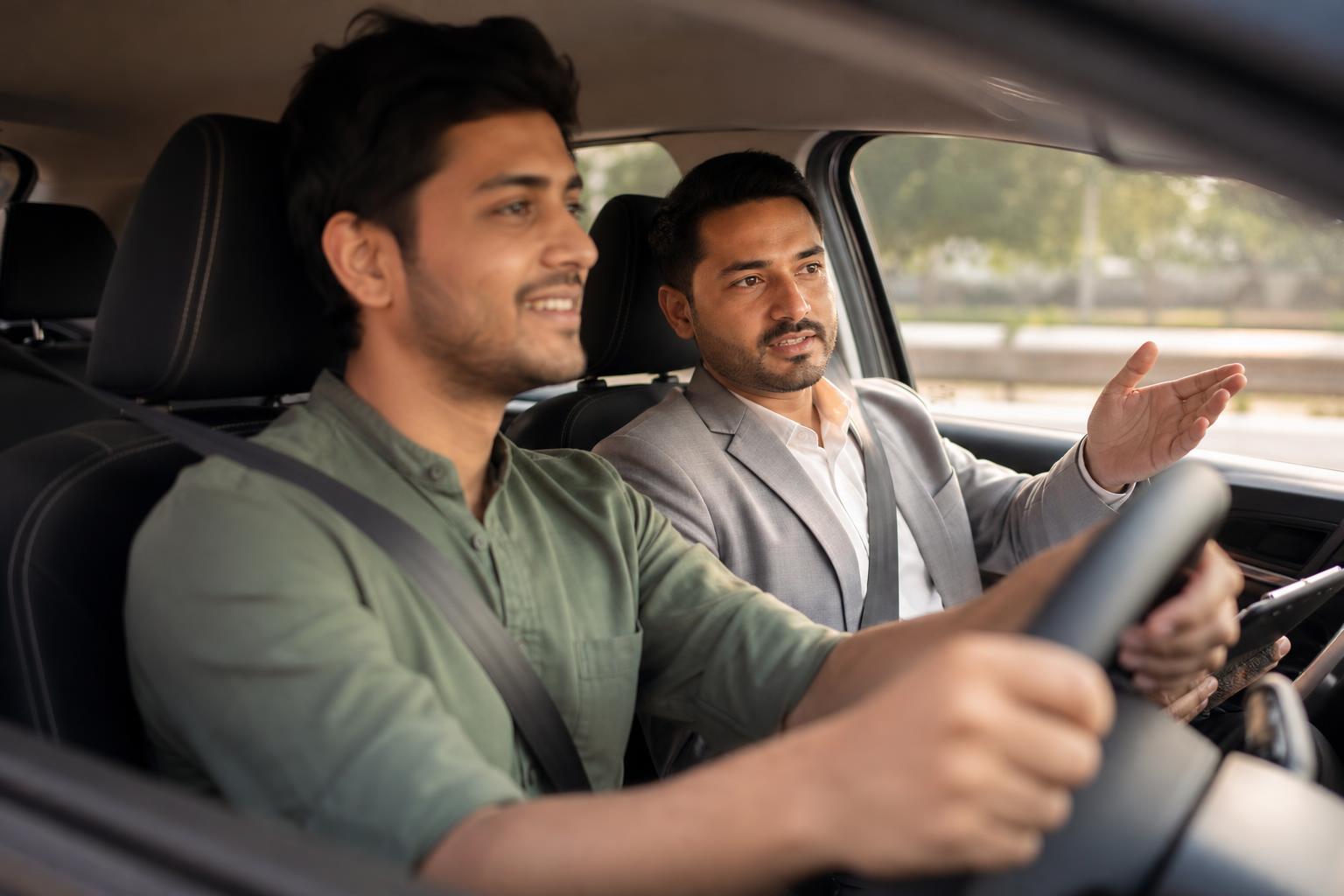
In this hypothetical example, Kavita runs a dealership in Jaipur. A customer asks on WhatsApp for a Saturday test drive while the showroom team is busy. One salesperson reads the message; another assumes someone else will respond. By the time they follow up, nobody has checked the model, slot or vehicle. A test drive booking process would give this request an owner and a clear next step.
To set up test drive booking on WhatsApp, collect the customer's preferred model, location, date, time and contact details, then check vehicle and staff availability before confirming the appointment. Offer clear choices where practical, but label every selected slot as a request until your team verifies it. Record the request in a shared calendar or dealership system with a named owner and a visible status. Once the vehicle, staff member and location are confirmed, send the customer the appointment details and a way to reschedule. For home test drives, also check the service area, travel time and who will take the vehicle. Send a reminder your team can reliably manage, and record whether the drive was completed, changed, cancelled or missed. A small showroom can follow these steps manually; a busier team can use a connected workflow. In either case, the shared booking record—not the chat alone—should show what is actually confirmed.
How do you set up test drive booking on WhatsApp?
Map the journey before writing messages: enquiry, details collected, availability checked, appointment confirmed, reminder sent and outcome recorded. Assign an owner to each handoff. Someone must check the vehicle, allocate staff, resolve conflicting requests and update the record when a booking changes.
Use a shared booking record with fields for customer name, contact, model, branch or home visit, requested slot, status, allocated vehicle and assigned staff member. Keep the status simple: pending, confirmed, rescheduling, cancelled or completed. A WhatsApp conversation records what was said, but the team still needs one place to check what has been allocated.
Start with a limited pilot. Submit overlapping requests for the same vehicle and time. Check whether the second request stays pending, who resolves the conflict and whether both customers receive accurate updates.
What should a WhatsApp test-drive booking flow ask?
Ask for the customer's name, preferred model or variant, branch or home-visit preference, preferred date and time, and a contact number if you do not already have it. For multiple branches, offer branch choices. Save detailed sales questions for a later conversation.
Make the distinction between a preference and an appointment explicit. An illustrative reply is: “Thanks. We have received your request for a [Model] test drive at [Branch] on [preferred day and time]. Our team will check the vehicle and slot, then confirm here.” If the requested variant is unavailable, offer an alternative rather than changing the booking without asking.
Use these fields as a practical handoff checklist for an Indian dealership:
- Customer request: model or variant, branch or locality, visit type and preferred slot.
- Availability check: vehicle, assigned staff member and any travel time.
- Customer update: pending or confirmed status, next update time and rescheduling route.
- Outcome: completed, rescheduled, cancelled or did not arrive.
How should dealers handle home test drive booking?
Make home test drives a separate workflow. Before offering them, define which localities each branch serves, which vehicles can leave the showroom, who accompanies them and how travel affects available slots. Ask for the customer's locality first; request the precise address privately when the visit is being arranged.
For example, a request from Whitefield, Bengaluru, should remain pending while the responsible branch checks its own service area, the requested model, travel time and staff availability. Do not present a city-wide home-visit option unless the branches fulfilling it can support that promise.
Mark home visits clearly in the shared calendar. Include the locality and travel allowance so a vehicle is not treated as available at the showroom while it is away.
What should a test drive confirmation message include?
A test drive confirmation message should state the customer name, model, confirmed day, date and time, showroom address or home-visit arrangement, dealership contact route and how to request a change. Send it only after checking the vehicle and staff member.
Confirmed appointment template: “Hi [Name], your [Model] test drive is confirmed for [Day, date] at [time] at [dealership name and address]. Reply CHANGE if you need another slot, or call [number] with questions.” For a home visit, state the agreed locality and confirm the address through the appropriate private conversation.
Pending request template: “Hi [Name], we have received your request for a [Model] test drive on [preferred day and time]. We are checking availability and will update you by [time your team can meet].” Never send the confirmed template merely because a customer selected a slot.
If you plan to automate business-initiated WhatsApp messages, verify the current messaging requirements and applicable charges through your provider before launch. Build the reminder schedule around what your team can actually send and respond to.
How can dealers reduce test drive no-shows?
Send a useful reminder with the model, appointment time, exact location or home-visit arrangement, and a simple way to request a change. Make sure a reply reaches someone who can update the booking record. A reminder is helpful only if the dealership can act on the customer's response.
If a customer asks to reschedule, mark the existing booking as awaiting a change, check alternative slots and confirm the new appointment before updating the customer. Decide internally who may release an unattended slot and how the customer will be notified; do not treat silence after a reminder as a cancellation without an agreed process.
Record completed, rescheduled, cancelled and missed appointments consistently. If someone does not arrive, avoid guessing why. A courteous follow-up can say: “Hi [Name], we missed you for your [Model] test drive today. If you would still like to visit, reply with a day that suits you and we will check available slots.”
Which booking setup fits your dealership?
| Setup | How it works | What to check before using it |
|---|---|---|
| Manual WhatsApp replies | Staff collect details and check a shared calendar before confirming. | Every request has an owner and a recorded status. |
| Structured WhatsApp intake | Customers choose a model, location and preferred slot. | Choices stay current, and selected slots are not described as confirmed. |
| Connected booking workflow | Intake, staff handoffs and appointment updates follow a defined process. | Vehicle allocation, exceptions and changes appear in the team's booking record. |
Intellibook AI is an option to assess if your dealership wants to connect WhatsApp enquiries with booking and staff handoffs. Review automobile dealership booking and enquiry software against your actual branch rules, and confirm how pending requests and vehicle allocations will be handled.
Before expanding a pilot, test a showroom request, a home visit if offered, a conflicting slot and a reschedule. Read each customer message to make sure “pending” never sounds like “confirmed.”
Key takeaways
- Collect the model, location, preferred slot and contact details needed to arrange a drive.
- Confirm only after checking the vehicle, staff member and location.
- Give home visits their own coverage and travel checks.
- Keep appointment status and ownership visible in a shared record.
- Make reminders and rescheduling easy for both customers and staff.
Frequently asked questions about WhatsApp test drives
Can customers book a test drive on WhatsApp?
Yes. A dealership can collect a customer's preferred model, location, date and time on WhatsApp, then check availability and confirm the appointment there. Give each request an owner and record its status in a shared booking system. A selected slot should remain pending until the vehicle and staff member have been verified.
How do I arrange a home test drive booking?
Ask for the preferred model, locality and time, then check whether the responsible branch can serve that area. Account for vehicle and staff availability as well as travel time before confirming. Collect the precise address privately when it is needed to arrange the visit, and keep the home visit distinct from showroom appointments in your booking record.
What should a test drive confirmation message include?
Include the customer's name, confirmed model, day, date, time, location, dealership contact route and a simple rescheduling instruction. For a home visit, describe the agreed arrangement rather than giving a showroom address. Send a pending update instead if the vehicle, staff member or slot has not yet been checked.
How can a dealership handle a test drive no-show?
Mark the appointment as missed in the shared record, then follow up politely without assuming why the customer did not arrive. Offer to check another suitable slot if they still want a drive. Review your reminder and rescheduling process internally, including who decides when a missed slot can be released.
Give every test-drive request a clear next step
When WhatsApp enquiries arrive during a busy showroom shift, Intellibook AI can help collect preferences and route booking requests to your team. Keep availability checks and appointment ownership clear before sending a confirmation.
Explore a WhatsApp test-drive booking setupReady to automate your bookings on WhatsApp?
Set up your AI receptionist in under 10 minutes. No coding required.
Start 7-day free trial →