QR Code Table Ordering Through WhatsApp: How It Works and What It Costs

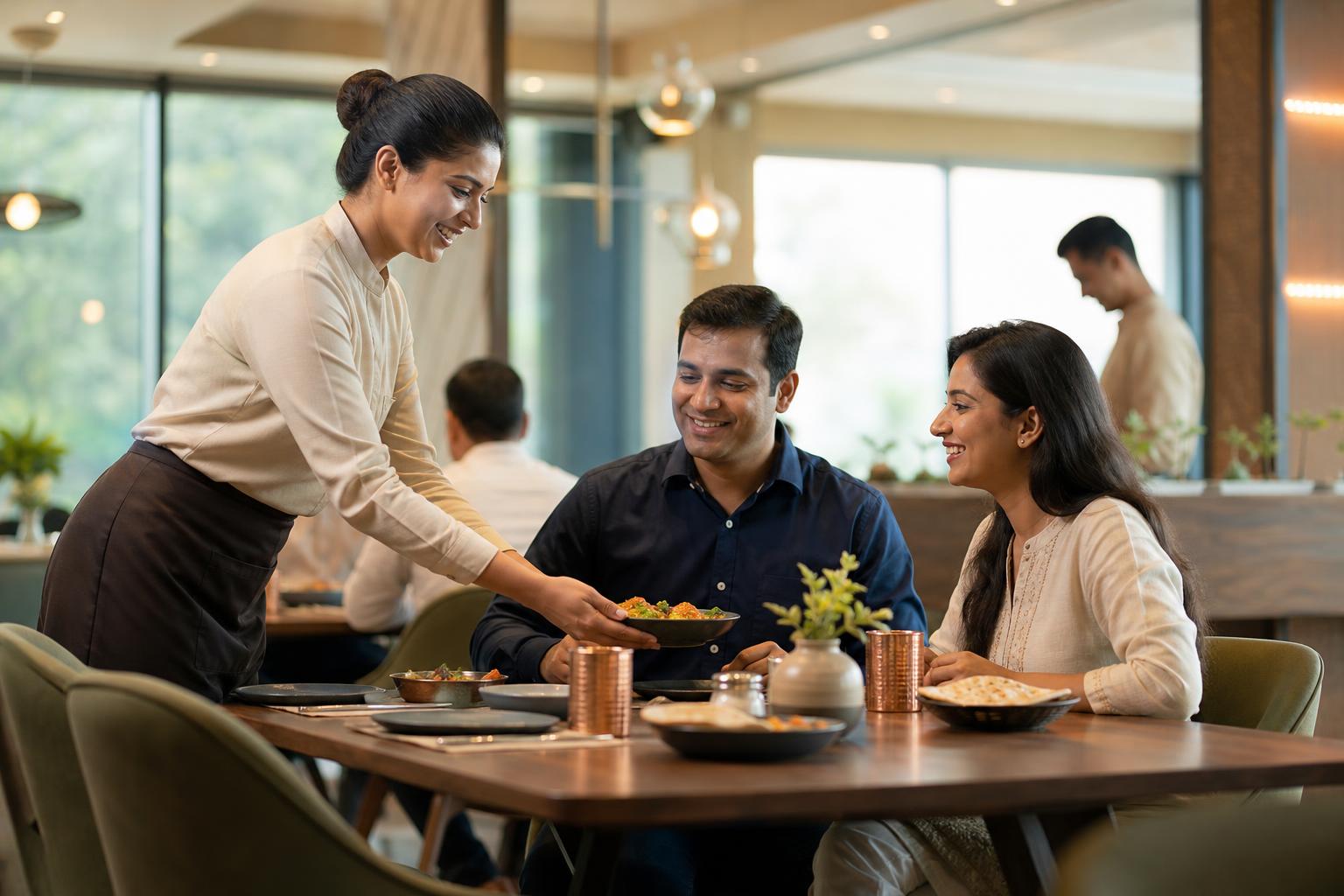
In this hypothetical example, Ananya runs a busy café in Bengaluru. During lunch, one table wants extra toppings, another wants a repeat drinks order, and a third is ready to pay before a server can get there. She does not want guests to install another app. She wants a simpler flow that reduces missed add-ons and repeated back-and-forth.
QR code table ordering through WhatsApp works by letting a diner scan a code at the table, open a menu or chat flow on their phone, place an order, and send it with the table number attached. In practice, the best setups do more than replace a paper menu. They connect the table to the order, show a live menu instead of a static PDF, capture modifiers like “extra cheese” or “less spicy,” and pass the order clearly to staff or the kitchen. Most modern QR ordering flows do not require an app download, which lowers friction for dine-in guests, as explained by RestroPress and Quickbuy. For Indian restaurants, the main questions are simple: will it speed up reorders, reduce errors, and fit your payment and kitchen workflow without confusing guests?
What is qr code table ordering?
QR code table ordering means a guest scans a code placed on the table, opens a digital menu on their phone, and places an order without waiting for a server to write it down. Restaurant guides describe the core flow in similar terms: scan, view the menu, order, and pay or submit the order digitally, often without an app download, according to RestroPress and Jamezz.
A basic QR menu only shows dishes. A proper ordering setup lets guests choose items, add modifiers, confirm quantities, and send the order with the table attached. That is the difference between digital browsing and actual operational improvement.
When WhatsApp is part of the flow, the scan can open a chat-led journey instead of only a browser page. That can be useful for repeat orders, bill requests, or simple follow-up questions, but it still needs a clean backend so staff are not manually reconstructing each order.

How does a qr menu ordering system work step by step?
The usual guest journey is straightforward. The diner scans a table code, the menu opens on the phone, the diner selects items and modifiers, then submits the order. In many systems, the order reaches the restaurant already tagged to the table, as described by Expresso.
The menu layer matters. A useful qr menu ordering system should show categories, item names, prices, and modifiers clearly. A connected digital menu can also stay in sync with menu or inventory changes so sold-out items do not keep appearing, according to Swaadbyte.
The backend matters even more. Once the guest submits the order, the system should pass the order to a dashboard, printer, or kitchen display with the correct table number. If staff still have to copy every item into another system by hand, the restaurant has digitised the menu but not the operation.
Worked example
- Example only: a café prints 40 table cards at ₹25 each. The one-time printing cost is ₹1,000.
- Example only: if a busy table turn saves about 5 minutes of staff time and the café handles 30 table turns in a day, that is 150 staff-minutes saved that day.
- The point of the example is not a promised result. It is to show why owners should evaluate qr code table ordering as an operations tool, not just a menu design project.
How is a table QR code WhatsApp setup different from a normal QR menu?
A normal QR menu may open a PDF or a browser page with your dishes. That is useful for menu access, but it does not necessarily capture orders, customisations, or table details.
A stronger setup uses a live menu and, in many restaurants, a unique code per table. Per-table codes are commonly recommended because they improve order accuracy and table mapping, as noted by FineDineMenu.
A table QR code WhatsApp flow adds a conversation layer. Instead of only viewing the menu, the guest can move through a guided chat or WhatsApp-linked order path. That can help with reorders, feedback, bill requests, or booking follow-up, provided the flow stays short and staff can monitor exceptions during service.
The best table QR code WhatsApp setup is not the one with the most steps. It is the one that gets the guest from scan to order with the least confusion.
What should contactless ordering restaurant software do well?
For guests, the essentials are simple: the menu should load quickly, work on a normal phone browser, show clear categories and modifiers, and avoid forcing account creation for a basic dine-in order. These no-app browser flows are a common feature in current QR ordering systems, according to Quickbuy.
For operators, the software should support live menu updates, table mapping, kitchen routing, and clear order handling. If your vendor cannot explain how a table order reaches the kitchen or service team, that is a warning sign.
For Indian restaurants, ask practical questions: can you disable sold-out items quickly, support common payment methods, handle modifiers cleanly, and keep table numbers attached to every order? Those details usually matter more than flashy design.
| Checklist for Indian restaurants evaluating qr code table ordering | Why it matters |
|---|---|
| One QR code per table | Reduces confusion and improves order accuracy |
| Live menu instead of PDF only | Keeps prices, items, and availability current |
| Modifiers for spice, add-ons, portions | Cuts manual clarification and missed customisations |
| Kitchen or service routing | Prevents staff from retyping every order |
| Simple payment flow | Helps guests complete the order without friction |
| Human handoff for exceptions | Important for split bills, complaints, or special requests |
What does qr code table ordering cost in India?
The cost of qr code table ordering in India usually has four parts: setup, printed materials, software, and ongoing operational support. The research notes include India-focused guides that discuss setup and pricing considerations, including Menu Manager, but the right quote still depends on what you are buying: a simple digital menu, a full ordering flow, kitchen routing, payment support, or integration with existing systems.
What you can estimate immediately is the small one-time print cost for table cards or standees. What you should request from vendors is a written breakdown of one-time onboarding, menu setup, monthly subscription, payment-related charges, support terms, and any fees for additional outlets or integrations.
If WhatsApp is part of the guest journey, verify the current messaging model, provider billing, and who owns the number and templates before you sign. Those commercial terms can change, so the safest approach is to ask for the latest official breakdown in writing.
Decision rule
If a vendor cannot separate printing costs, software fees, onboarding, and support into clear line items, you probably do not yet have a reliable cost comparison.
How should you launch qr code table ordering without upsetting guests?
A phased rollout is safer than switching the whole dining room at once. Current restaurant guides commonly suggest starting in one section or on about half the tables, then expanding after staff and guests get comfortable, according to Fluuexqr and Deally.
Keep paper menus available during the launch period. Train staff to offer QR ordering as an option, not a demand. A simple line works well: “You can scan to browse and reorder anytime, or I can take your order as usual.”
Watch three things in week one: how many guests scan, how many actually complete an order, and where staff still have to intervene. If scan rates are fine but order completion is low, the menu flow is probably too long or unclear.
If you want a WhatsApp-led version rather than a generic browser menu, compare whether the platform supports menu sharing, booking follow-up, deposit collection, and handoff to staff in one journey. For restaurants exploring that route, Intellibook AI’s restaurant WhatsApp workflows are worth reviewing alongside your broader dine-in process.
Key takeaways
- QR code table ordering is most useful when it reduces waiting and captures orders accurately.
- A qr menu ordering system should do more than display a PDF; it should support live items, modifiers, and routing.
- A table QR code WhatsApp flow can be helpful for reorders and guest communication, but only if the backend is disciplined.
- Costs are best compared as line items: printing, setup, software, support, and any messaging or payment-related charges.
- Intellibook AI is most relevant when you want WhatsApp to be part of a broader restaurant communication workflow, not just a static menu link.
Frequently asked questions
How does qr code table ordering work in a restaurant?
Guests scan a QR code placed on the table, open a digital menu on their phone, choose items, and submit the order. In many systems, the order reaches staff with the table number attached. Some setups use a browser flow, while others use a WhatsApp-linked journey for ordering and follow-up.
What is a qr menu ordering system?
A qr menu ordering system is a digital menu that does more than display dishes. It lets diners browse categories, choose modifiers, submit orders, and often pay from their phone. The useful difference is that orders move into the restaurant workflow instead of stopping at a view-only menu page.
Is table QR code WhatsApp better than a PDF menu?
Usually, yes. A PDF is mainly for viewing the menu, while a table QR code WhatsApp flow can support ordering, reorders, confirmations, and simple guest requests. It is only better, though, if the flow is short and the restaurant can route those orders properly during busy service.
What should I check before choosing contactless ordering restaurant software?
Check whether it supports one code per table, live menu updates, modifiers, clean kitchen routing, simple payments, and human takeover for exceptions. Also ask for a written cost breakdown covering setup, support, and any messaging or integration charges so you can compare vendors fairly.
Sources
- QR Code Ordering System for Restaurants (restropress.com)
- QR Code Ordering System for Restaurants (2026) | Quickbuy (quickbuy.io)
- QR Ordering System for Restaurants and Hospitality (jamezz.com)
- QR code ordering: what it costs a restaurant in 2026 (expresso.io)
- QR Code Digital Menu for Restaurants (2026) (swaadbyte.com)
- How to Enable Table Ordering via QR Codes (finedinemenu.com)
- QR Code Ordering System for Restaurants in India (2026 Guide) (menumanager.in)
- QR Ordering for Restaurants: The Complete 2026 Guide to Digital Dining, POS Integration & Revenue Growth - fluuexqr.com (fluuexqr.com)
- Complete Guide to QR Code Restaurant Ordering in 2026 | Deally (deal-ly.com)
Need a cleaner WhatsApp flow for table orders and guest follow-up?
If your team is juggling repeat orders, bill requests, and booking questions across channels, Intellibook AI can help you structure restaurant conversations on WhatsApp more clearly. Use it where it fits best: guided guest communication, booking follow-up, deposit collection, reminders, and smooth handoff to staff when service needs a human touch.
Start free — no credit card →