WhatsApp Ordering for Restaurants: A Guide to Direct Orders
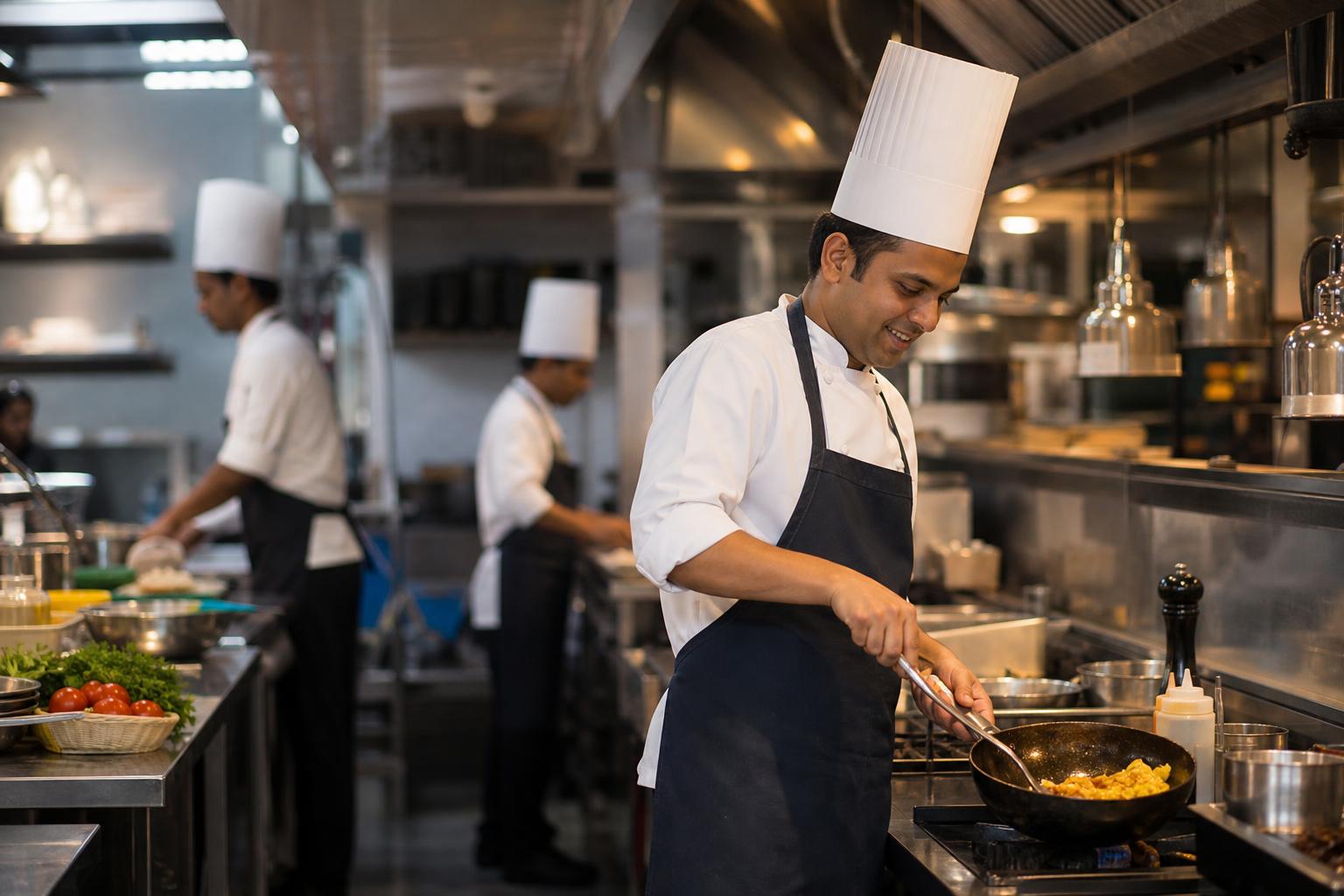
In this fictional example, Meenal runs a café in Indore. A regular asks for the lunch menu on WhatsApp, but the photo Meenal sends does not show today's availability, add-on prices or delivery area. The customer orders through another channel instead.
Meenal wants WhatsApp ordering for restaurants to be as clear as ordering at her counter. She also needs her team to know when a message becomes a confirmed kitchen order.
WhatsApp ordering for restaurants is a way to accept direct orders through a business chat, catalog or WhatsApp-linked ordering flow. Share a current menu through a link or QR code, collect items and quantities, confirm availability and the final amount, then pass a complete order to the kitchen. Tell the customer how payment and pickup or delivery will work, and send an update when the order is ready. A direct channel can be useful for customers who already know your restaurant, but it does not find new customers or arrange delivery on its own. Start with a menu your team can keep accurate, an order format that captures modifications and contact details, and one person responsible for confirmation. Test both pickup and delivery before promoting the link. Compare the full cost and workload of direct orders with your other channels; avoiding an aggregator charge does not make an order cost-free.
How does WhatsApp ordering for restaurants work?
A customer opens your chat from a saved contact, link or QR code. They view the menu and send their choices, or complete a guided flow if you use an ordering tool. A staff member checks the request, confirms the total and fulfilment plan, and sends the kitchen only the agreed order. The customer then receives the payment instructions and relevant status updates.
Some restaurant ordering tools support menu browsing, order placement and payment in a WhatsApp-led journey, as described by uengage. Check the steps in any tool you consider: viewing a menu, submitting a request and receiving an order confirmation are different events.
Assign an owner for each handoff. Who checks stock? Who confirms modifications? Who arranges delivery? Who marks an order complete? WhatsApp carries the conversation; your team remains responsible for preparing and fulfilling the meal.
What should a restaurant WhatsApp menu include?
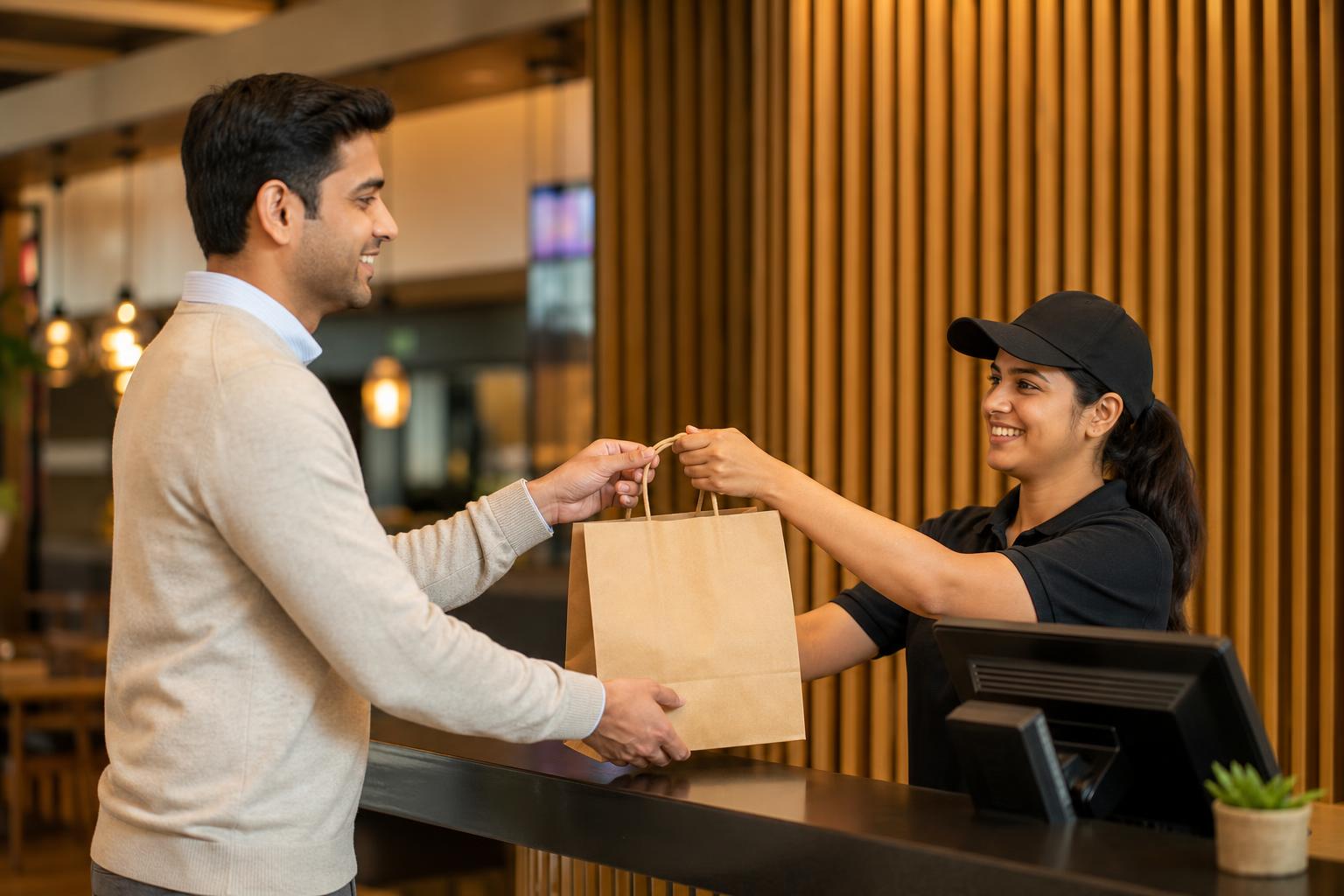
A useful restaurant WhatsApp menu shows current item names, prices, short descriptions, available options and ordering instructions. State relevant serving times and delivery limits before customers assemble an order. A PDF or image can work for a short menu, but customers should know exactly how to send their selections.
For example, a fictional Nagpur takeaway could list: Veg lunch thali—₹220; dal, rice, two rotis and sabzi; add curd ₹25; available until 3 pm. Those prices are examples, not market prices. The format answers likely questions about contents, options and availability.
Give a named employee responsibility for updating prices and sold-out items, with a backup for days off. Open the customer-facing menu after every important edit. A Mumbai-focused guide describes restaurants sharing catalogs and wa.me links through QR standees, local groups and saved contacts, according to Online eMenu. Check that every entry point opens the current menu.
How do you set up direct online ordering for a restaurant?
Start with the simplest process your team can operate reliably. A menu link and staffed chat may be enough for a short menu; complicated choices may justify a more structured form or ordering flow.
- Choose the entry point: Create a chat link or QR code and place it where existing customers can find it.
- Publish the menu: Show current prices, options, availability and instructions for placing an order.
- Capture the request: Ask for items, quantities, modifications, pickup or delivery, contact details and preferred time.
- Confirm before preparation: Check stock, the final amount, payment instructions and whether the requested timing is feasible.
- Hand off and update: Send the kitchen a concise ticket, then tell the customer when the order is ready or dispatched.
- Test and assign cover: Complete a sample pickup and delivery order, and name a backup chat owner for shift changes.
Copyable order template for an Indian takeaway: Customer name: ___; items and quantities: ___; modifications: ___; pickup or delivery: ___; address and landmark, if delivering: ___; contact number: ___; requested time: ___; confirmed total: ___; payment status: ___. This is a request template, not proof that an order has been accepted or paid.
If manual chats regularly arrive with missing details, compare your checklist with a guided flow. Explore Intellibook AI’s restaurant solution as one option, and verify how it handles your menu, exceptions and staff handoff before choosing a tool.

Is direct WhatsApp ordering an alternative to aggregator commission?
It is an alternative route for orders you can attract and fulfil directly, not an automatic replacement for marketplace discovery or delivery arrangements. Compare the same basket across channels using your own records: customer acquisition, channel charges, payment costs, packaging, delivery and staff time. Verify current provider pricing and applicable WhatsApp rules before assuming any part of the process is free.
Here is a sample calculation, not a savings forecast: if a ₹500 basket leaves your restaurant ₹50 more through a direct order after all relevant channel and fulfilment costs, then 100 comparable orders leave ₹5,000 more. The arithmetic is ₹50 × 100. Your result could differ if staffing, delivery or promotions change.
Keep the channels that serve distinct purposes. A regular customer using a direct link and a new customer discovering your restaurant elsewhere may require different acquisition and fulfilment work.
How should you handle payments, delivery and kitchen handoffs?
Use clear statuses: received, confirmed, preparing, ready or dispatched, completed. A received message is not a confirmed order. Confirm the items, amount, timing and fulfilment before the kitchen starts; verify payment through your chosen method rather than relying only on a customer's message.
Give the kitchen a ticket with quantities, modifications and the agreed time. For delivery, check the service area, full address, landmark and who will arrange transport. For pickup, provide a collection point and tell the customer when the food is ready. A restaurant setup guide from Watease covers the menu, order flow, delivery management and kitchen notifications as connected parts of the process.
Intellibook AI may be worth evaluating if your team needs a more structured route from menu enquiry to staff review. Whatever system you choose, test what happens when an item sells out, a customer changes an order or the chat owner changes shifts.
Which WhatsApp ordering setup fits your restaurant?
Choose based on menu complexity and available staff coverage, not on how many features a tool advertises. Use this decision table as a starting point, then test your busiest ordering period.
| Setup | Good starting fit | Check before launch |
|---|---|---|
| Menu link and manual chat | Short menu and an employee available to confirm orders | Response ownership, missing details and kitchen handoff |
| Catalog with staff confirmation | Customers need to browse items in chat | Prices, stock changes and how choices become confirmed orders |
| Guided ordering flow | Frequent modifiers or orders that are easy to misread | Exceptions, final totals and staff notifications |
| Direct channel alongside marketplaces | Restaurant wants to test repeat direct orders without dropping other discovery routes | Actual costs, fulfilment workload and where each customer came from |
Before sharing a QR code widely, scan it from a customer's phone and complete a sample pickup order and a sample delivery order. Check whether staff see the same quantities and modifications the customer submitted. Fix unclear steps before adding the link to packaging or menus.
Key takeaways
- Make the menu current and explain how a customer submits an order.
- Collect complete details, then distinguish a request from a confirmed kitchen order.
- Assign staff ownership for payment checks, delivery and shift handoffs.
- Compare full direct-order costs with your other channels using your own records.
Frequently asked questions about restaurant WhatsApp orders
How can customers place a restaurant order on WhatsApp?
Share a current menu and a chat link or QR code. Customers send their items, quantities and pickup or delivery details, or submit them through a guided flow. Your team should confirm availability, the final amount, payment instructions and timing before preparing the food. Make that confirmation step explicit so a sent message is not mistaken for an accepted order.
Can WhatsApp ordering replace food delivery aggregators?
WhatsApp can provide a direct route for customers who have your link or already know your restaurant. It does not automatically provide marketplace discovery, a delivery rider or staff to manage orders. Compare acquisition, channel charges and fulfilment work using your records before changing your channel mix. You may find that direct ordering and aggregator listings serve different customers.
What should a restaurant WhatsApp menu include?
Include current item names and prices, brief descriptions, relevant options and a clear instruction for ordering. Show serving times or delivery limits where they affect a customer's choice. Assign someone to update sold-out items, then check the version customers actually open. The menu should make it easy to submit a complete request, not merely display food photos.
Stop incomplete chats from reaching your kitchen
Map how your restaurant collects item choices, confirms the total and hands the agreed order to staff. If manual replies leave gaps, evaluate whether Intellibook AI fits that workflow.
Ready to automate your bookings on WhatsApp?
Set up your AI receptionist in under 10 minutes. No coding required.
Start 7-day free trial →