Car Service Reminder Messages: WhatsApp Templates for Dealerships
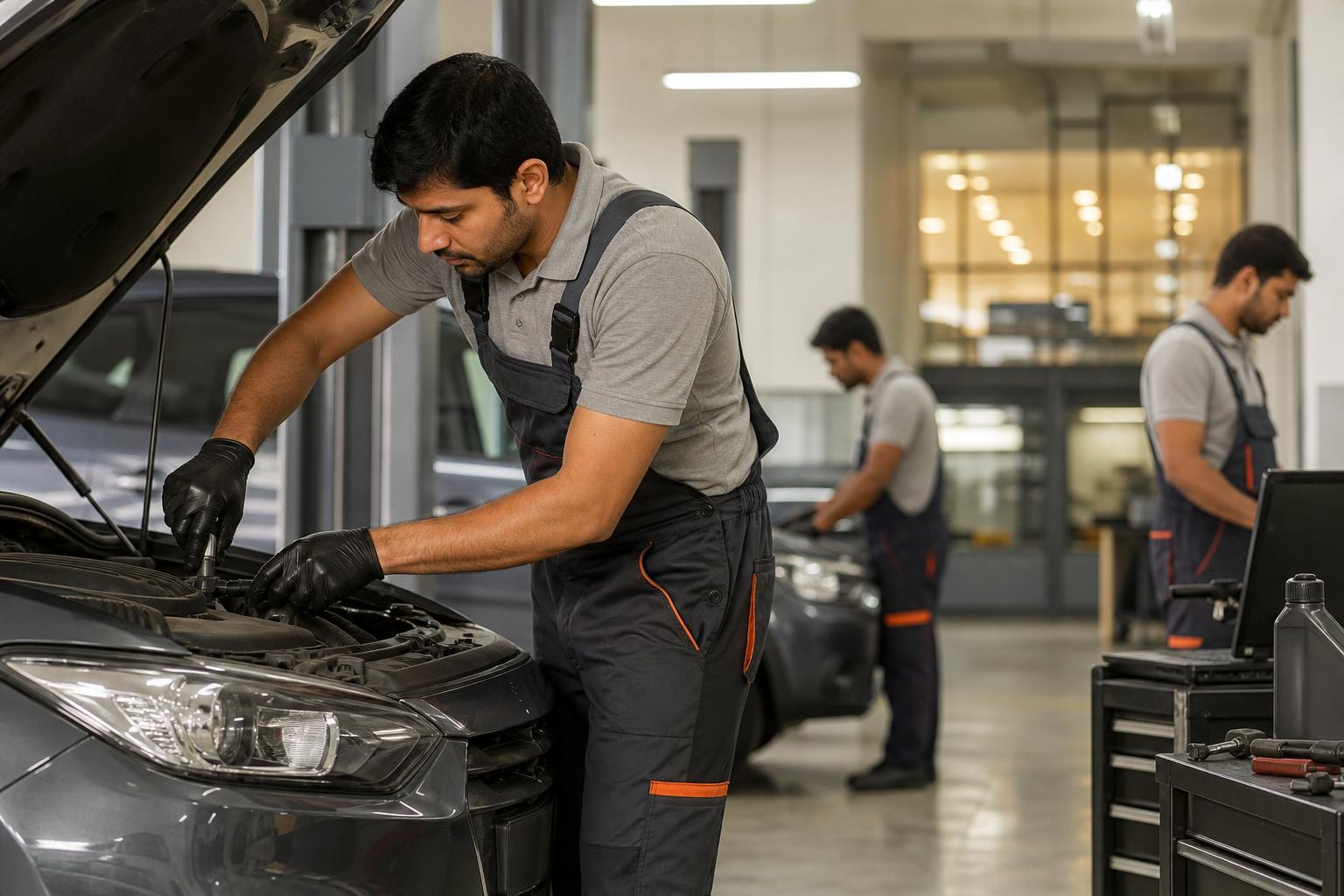
In this fictional Pune dealership example, Meera's service desk has a list of customers whose recorded car service dates are approaching. Some have already booked; others may have serviced their cars elsewhere. She needs a car service reminder message that invites a reply without assuming every record is current.
A useful car service reminder message states the vehicle and recorded service milestone, offers one simple way to request a booking, and leaves room for the customer to correct your records. Before sending a WhatsApp reminder, check the contact preference, vehicle details, last visit and due point in your dealership records. Say “our records show” when the due point has not been confirmed with the customer. For a complimentary service, verify eligibility and inclusions before making any promise about cost. Use a different message to confirm an appointment: include the agreed date, time and location only after the slot is recorded. Finally, assign someone to handle replies such as BOOK, CHANGE, ALREADY SERVICED and STOP. These steps help a dealership send a relevant invitation rather than a vague “service pending” alert. The templates below cover due-soon reminders, free-service checks, booking requests, confirmations and record corrections; replace every placeholder with a verified detail before sending.
What should a car service reminder message include?
Include the customer's name, a verified vehicle identifier, the service milestone or due point shown in your records, your dealership name and one clear next step. If the due date is an estimate, label it as an estimate. Avoid suggesting a particular repair is needed when the vehicle has not been inspected.
Hi {{name}}, our records show your {{vehicle}} is approaching its {{recorded service milestone}} around {{date or mileage}}. Would you like a service slot at {{dealership}}, {{city}}? Reply BOOK and we'll check availability. Already arranged service? Reply UPDATE.
Use a registration number only if you have checked that it belongs to the intended recipient. If a date or mileage field is missing, resolve the record rather than inventing a due point.
How do you send a vehicle service due reminder?
Check the customer's messaging preference and contact number, then compare the recorded due point with the latest service visit. Send the reminder through your approved messaging workflow and give the booking desk ownership of incoming replies. Check current WhatsApp requirements with your messaging provider before sending templates at scale.
Due-soon template
Hi {{name}}, the next service point recorded for your {{vehicle}} is around {{date or mileage}}. Reply BOOK if you'd like us to check a slot at {{dealership}}, {{city}}. If you've already had the vehicle serviced, reply UPDATE.
Due-date template
Hi {{name}}, our records list {{date}} as the service due date for your {{vehicle}}. Would you like us to check an available time at {{dealership}}? Reply with a preferred day, or reply UPDATE if our record needs correcting.
No recent visit recorded
Hi {{name}}, we don't have a recent service visit for your {{vehicle}} recorded at {{dealership}}. If you'd like help arranging one, reply BOOK. If you serviced it elsewhere, reply UPDATE so we can correct our reminder list.
These are starting points, not a schedule to send every message to every customer. Select the one that matches the verified record and stop the sequence when the customer books, corrects the record or asks not to receive reminders.
What should a free service reminder say?
A free service reminder should invite an eligibility check and a booking request. It should not promise that the entire visit, any parts or additional work will be free unless the customer's applicable terms confirm that wording. Check the vehicle record, service history, validity and confirmed inclusions first.
Hi {{name}}, our records suggest your {{vehicle}} may be due for a complimentary service by {{date}}. Reply BOOK to request a slot at {{dealership}}, {{city}}. Our service desk will confirm eligibility and what is included before your visit.
If eligibility is already verified, staff can replace “may be due” with wording supported by the customer's actual terms. If the record is unclear, resolve it before sending. A customer who asks about additional charges should receive an answer based on their confirmed terms, not a guess from a template.

Which service booking message should you send next?
A booking request and an appointment confirmation serve different purposes. Invite the customer to choose a time first. Confirm the visit only after the booking desk has checked availability and recorded the slot.
Booking request
Hi {{name}}, would you like a service appointment for your {{vehicle}} at {{dealership}}? Reply with a preferred day and time, and we'll check availability before confirming.
Appointment confirmation
Hi {{name}}, your {{vehicle}} service appointment is confirmed for {{date}} at {{time}} at {{dealership}}, {{verified address or map link}}. Reply CONFIRM to acknowledge, or CHANGE if you need another slot. Service desk: {{verified phone number}}.
Rescheduling reply
Hi {{name}}, thanks for letting us know. Please share a preferred day or time for your {{vehicle}} service visit. We'll check availability and send a new confirmation once the appointment is updated.
Post-visit thank-you
Hi {{name}}, thank you for visiting {{dealership}} with your {{vehicle}} on {{visit date}}. If you'd like to share feedback or ask about your visit, reply here and our service desk will follow up.
For an illustrative example only, a Pune booking desk might receive “Saturday morning, if available.” That reply is a request, not a confirmed appointment. Staff should check the diary, record the agreed slot and then send the confirmation template with the actual time and location.
How do you choose the right template for an Indian dealership?
Use this decision table before preparing a reminder batch. It separates messages that invite action from those that report a completed booking.
| What the record shows | Send | Check before sending | Who handles the reply? |
|---|---|---|---|
| Recorded service point approaching | Due-soon reminder | Vehicle, last visit and due point | Booking desk |
| Possible complimentary-service eligibility | Free-service eligibility prompt | Applicable terms, validity and inclusions | Service adviser |
| Customer has requested a time | Booking request reply | Slot availability | Booking desk |
| Slot is recorded | Appointment confirmation | Date, time, address and phone number | Booking desk |
| Customer reports service elsewhere | Record-correction response | Customer's update and contact preference | Service records owner |
Pre-send checklist
Test the filled template on a staff phone. Check that each field displays correctly, the booking instruction reaches the right team, the location is accurate and an opt-out can be recorded.
How often should you follow up on an unanswered reminder?
Use a restrained sequence based on your customers' contact preferences. As an example workflow, not a WhatsApp rule or performance benchmark, send one message before the recorded due point and one brief follow-up if there is no reply. Then pause rather than repeating the same request.
Hi {{name}}, following up on our note about the recorded service point for your {{vehicle}}. Would you like us to check a convenient slot, or have you already arranged service? Reply BOOK or UPDATE.
Log booking requests, confirmed visits, record corrections and opt-outs separately. If someone replies STOP or says they do not want reminders, update their contact preference. If they say the vehicle has been serviced elsewhere, don't keep using the old due point as though it is current.
How can your team manage WhatsApp service replies?
Assign delivery staff to capture accurate contact and vehicle details, service staff to verify milestones, and the booking desk to own replies and appointment changes. A shared record can track the customer, vehicle, last visit, recorded due point, contact preference, message status, reply owner and appointment status. Restrict access to staff who need it and update the record when a visit is booked or completed.
If your team struggles to answer booking and rescheduling messages promptly, Intellibook AI may be a useful next step for handling WhatsApp conversations and passing exceptions to staff. The dealership still needs to verify service records and complimentary-service terms. See Intellibook AI automobile dealership software when comparing ways to organise that workflow.
Frequently asked questions about car service reminders
What should a vehicle service due reminder message include?
Include the customer's name, verified vehicle details, the service milestone or due point shown in your records, your dealership name and a simple booking action. Say when the due point is estimated. Give the customer a way to correct an outdated record, and make sure someone on your team can respond to the booking request.
How do I write a free service reminder?
Check the customer's service history and applicable terms before writing the message. If eligibility is uncertain, say your records suggest the vehicle may be due and invite the customer to confirm eligibility and request a slot. Do not promise that parts, consumables, repairs or the entire visit are free unless the confirmed terms support it.
What is a good service booking message?
A good service booking message asks for one clear action, such as sharing a preferred day and time. It does not call a requested slot confirmed. Once your desk has checked availability and entered the appointment, send a separate confirmation with the verified date, time, address and instructions for requesting a change.
Key takeaways
- Build reminders from verified vehicle records and give customers an easy way to book or correct the record.
- Check complimentary-service eligibility and inclusions before mentioning cost.
- Keep booking requests separate from confirmed appointments.
- Assign an owner to replies, changes and opt-outs.
Make sure BOOK gets a real booking response
Templates help customers reply; a clear hand-off helps your service desk act on those replies. If booking requests and slot changes are getting lost across WhatsApp chats, explore how Intellibook AI can support the conversation while your staff retain control of service-record checks.
Set up a service booking workflow →Ready to automate your bookings on WhatsApp?
Set up your AI receptionist in under 10 minutes. No coding required.
Start 7-day free trial →