WhatsApp for Furniture Business: From Enquiry to Showroom Visit
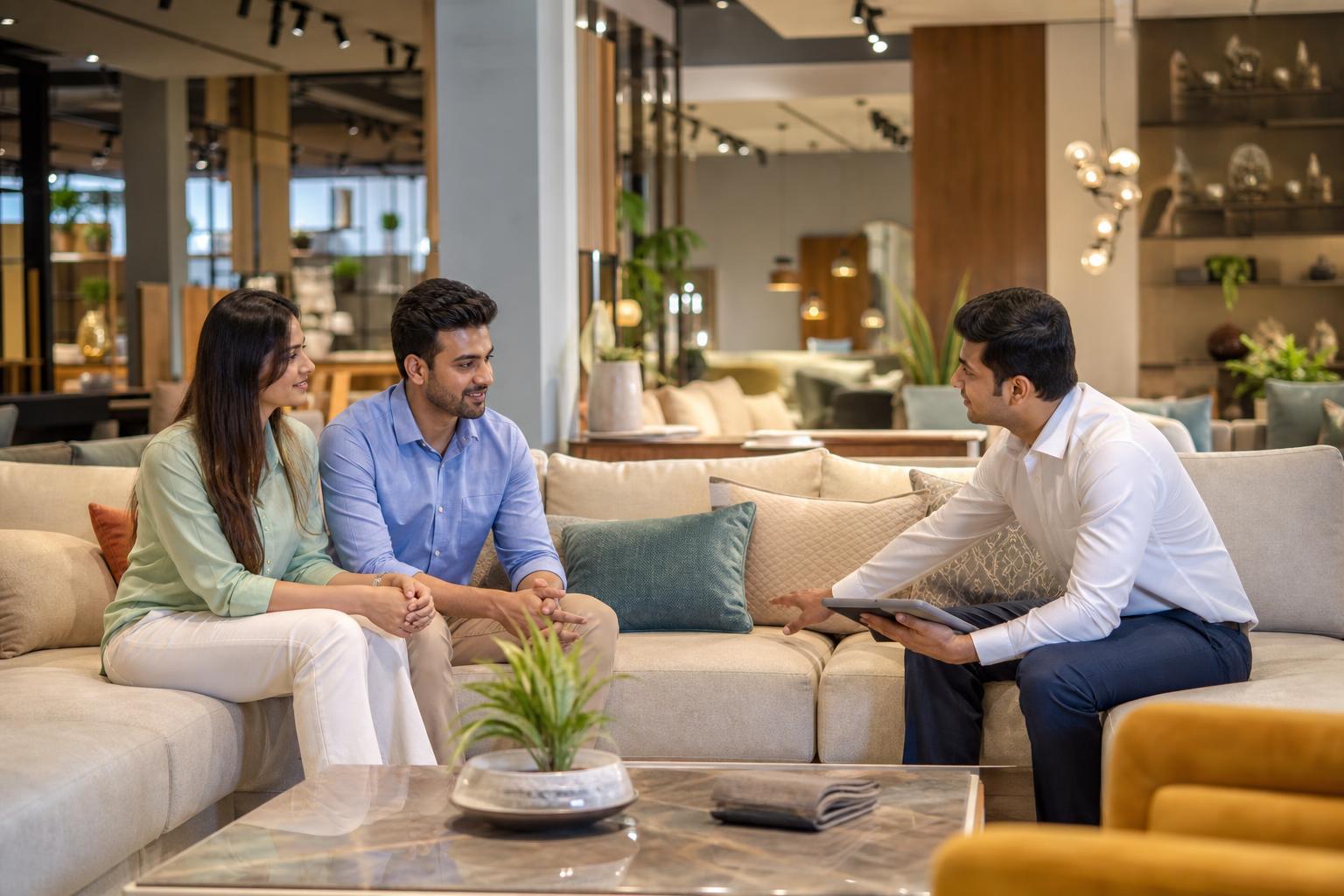
In this fictional example, Kavita runs a furniture showroom in Jaipur. A customer messages her about a dining table while she is helping someone on the shop floor. She acknowledges the enquiry, but the customer’s later message—with room dimensions and a request to see the finish—gets buried beneath other chats.
By the next morning, Kavita has the information needed to suggest a visit. What she lacks is a recorded next step and a person responsible for taking it.
WhatsApp for a furniture business works best when each enquiry moves toward a clear next step, such as a showroom visit or an agreed follow-up. Acknowledge the product the customer asked about, then request only the details needed to recommend suitable options. For a dining table, that might mean seating capacity and approximate room dimensions. Share a short selection with checked measurements and finish details rather than an unfiltered catalogue. If seeing the products in person would help, offer a specific visit time and confirm the showroom address and staff contact once the customer agrees. Record who owns the enquiry, its current stage, and the next action so another salesperson can pick it up. If the customer is not ready to visit, agree on what information you will send and when. WhatsApp can keep the conversation organised, but staff still need to verify stock and prepare for the visit.
How can WhatsApp for a furniture business turn an enquiry into a visit?
Use a repeatable path: acknowledge the enquiry, understand what matters to the customer, share relevant options, propose a next step, and record the outcome. Sending photos is not the same as booking a visit. A visit is confirmed only when the customer and showroom have agreed on the time and location.
If a customer asks whether a particular sofa is on display, check before promising they can see it. If they are travelling from another city, offer measurements and finish details first. The useful next step depends on their question, not on a fixed sales script.
What should you record from a furniture showroom enquiry?
A useful enquiry record includes the customer’s name, product of interest, relevant dimensions or preferences, current stage, assigned salesperson, and next action. Collect details as the conversation develops; an opening message should not feel like a form.
For example: “Thanks for asking about the dining set. What seating capacity are you considering? If you have approximate room dimensions, I can suggest suitable options and let you know what you can view in our showroom.” If the customer has already provided those details, respond to them instead of asking again.
Keep product categories separate from lead stages. “Dining” describes the item; “visit proposed” describes what happens next. A category label alone will not tell a colleague whether anyone owes the customer a reply.
How do you manage furniture leads across staff shifts?
Furniture store lead management needs three things for every active chat: an owner, a stage, and a dated next action. A solo owner might maintain these in a simple routine. A larger team needs a shared handover method so a customer does not have to repeat their requirements when staff change shifts.
Use a note such as: “Dining table | seats six | customer shared room dimensions | finish photos requested | owner: Meera | next action: send checked options before the agreed call.” Record whether a visit was proposed, confirmed, attended, or rescheduled. Do not mark a proposed appointment as confirmed while waiting for the customer’s reply.
| Enquiry stage | What to record | Next action |
|---|---|---|
| New enquiry | Product requested and enquiry owner | Acknowledge the specific question |
| Details received | Relevant measurements and preferences | Check and share suitable options |
| Visit proposed | Suggested time and branch | Get the customer’s confirmation |
| Visit confirmed | Agreed time, address, contact, and products discussed | Prepare for the visit |
| Follow-up due | Promised information, owner, and agreed date | Send the promised update |
How can WhatsApp marketing for furniture stay relevant?
Start with what the customer expressed interest in. Someone comparing sofas may appreciate a small selection with dimensions; someone asking about a dining set may want finish details or an invitation to compare options in person. Avoid sending every collection update to every contact.
Permission to send requested product information is not a reason to assume a customer wants ongoing promotions. Before sending marketing messages, verify current WhatsApp requirements and your messaging provider’s terms, including any applicable charges. Keep promotional follow-ups relevant and make it easy for customers to say they do not want more updates.
Which WhatsApp setup fits your showroom?
A small showroom can begin with a complete business profile, consistent labels, saved replies where useful, and a routine for reviewing open enquiries. As more staff or branches become involved, compare tools based on assignment, handovers, branch routing, and visit tracking. Check a tool’s current capabilities rather than assuming every inbox supports the same workflow.
If chats arrive when staff are unavailable, Intellibook AI can be evaluated as part of a structured enquiry and visit-booking process. Decide which answers can be prepared in advance and which product, display, or stock questions must go to a salesperson. Compare the workflow with your existing routine when reviewing furniture showroom software for enquiries and visits.
What is a practical enquiry-to-visit checklist?
Use this checklist for a single store or adapt it by branch. It is an operating template, not a claim about typical conversion rates.
- Refer to the product in the customer’s first message.
- Ask for the missing detail that would improve your recommendation.
- Check measurements, finish information, and display availability before sharing them.
- Send a short selection and explain why it fits the request.
- Offer a specific visit option or agree on a remote follow-up.
- Confirm the visit time, correct branch address, and staff contact.
- Assign the enquiry owner and record the next action or visit outcome.
Here is an illustrative confirmation template: “Your visit is confirmed for [day] at [time] at our [branch name and address]. Ask for [staff member]. We’ll have the options we discussed ready to show you. Reply here if you need to change the time.” Replace every placeholder and confirm who will be available before sending it.
Review your own enquiries, booked visits, attended visits, and overdue follow-ups. If customers receive product details but few visit invitations, revise that step. If visits are booked but staff cannot find the earlier discussion, improve handover notes before adding more messages.
Frequently asked questions about WhatsApp for furniture stores
How do I use WhatsApp to get furniture customers to visit my showroom?
Answer the customer’s product question first. Ask for any detail needed to suggest suitable pieces, such as approximate dimensions, and share a short selection with checked information. Then offer a specific visit option. Once the customer agrees, confirm the time, branch address, and contact person, and prepare the discussed items where possible.
How can a furniture store manage leads on WhatsApp?
Give each active enquiry a named owner, a clear stage, and a next action with a due date. Note the product, useful preferences, and anything promised to the customer. Review open items during staff handovers. This keeps a visit proposal, a confirmed appointment, and a request awaiting a stock check from being treated as the same thing.
What should I send on WhatsApp to promote furniture?
Send information that fits the customer’s expressed interest, such as a small selection of sofas with measurements or an invitation to compare dining-table finishes at the showroom. Avoid an unfiltered catalogue or unrelated promotions. Before sending marketing messages, check current WhatsApp requirements and your provider’s terms; customer preferences and messaging rules may change.
Keep a promising showroom visit from getting lost in chat
If your team struggles to assign enquiries, confirm visit details, or hand conversations between shifts, consider whether Intellibook AI fits your showroom workflow. Keep staff responsible for verifying product information and preparing for each visit.
Plan your showroom enquiry flowReady to automate your bookings on WhatsApp?
Set up your AI receptionist in under 10 minutes. No coding required.
Start 7-day free trial →