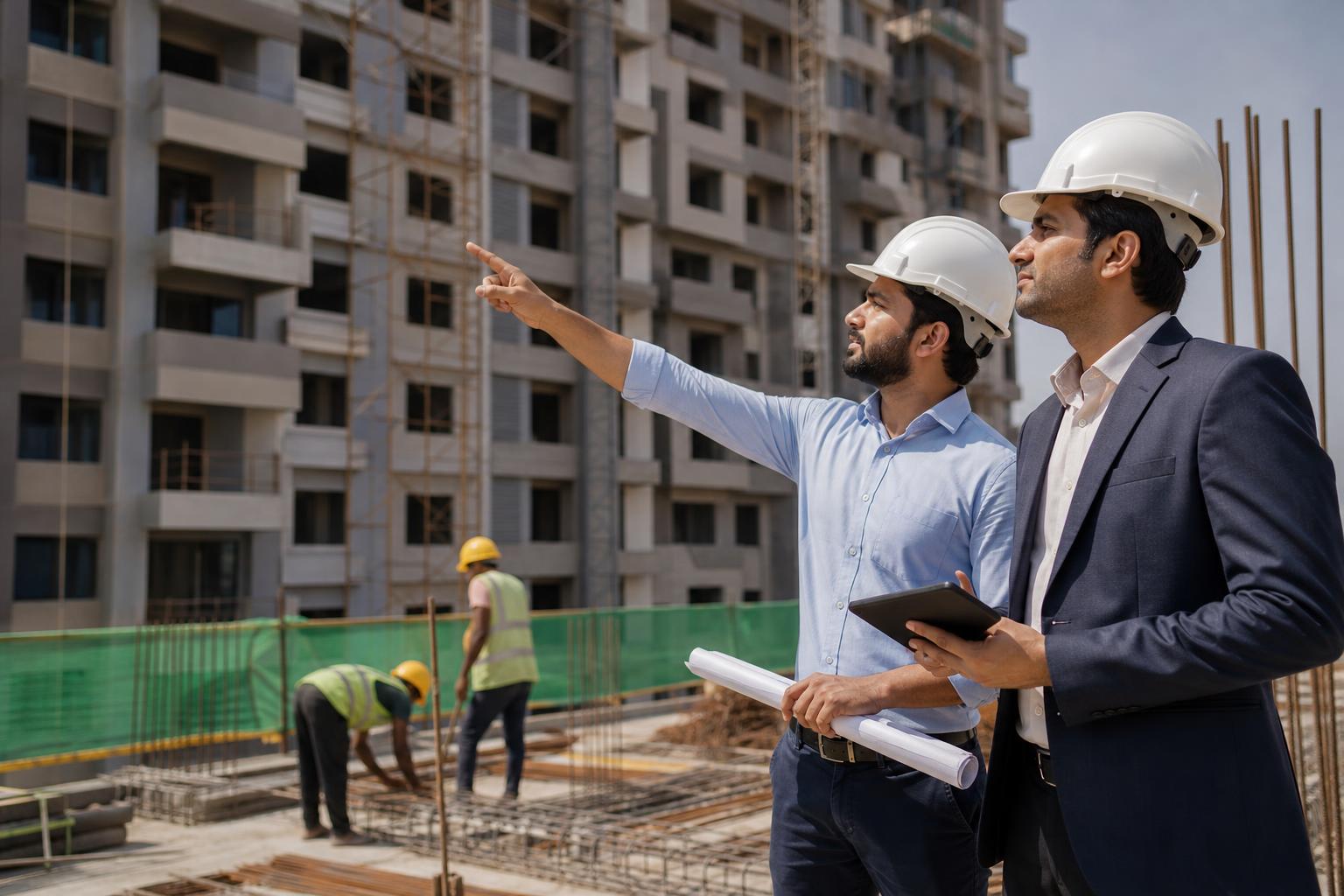
Flat Cost Sheet Format: Explain Area, GST and Stamp Duty
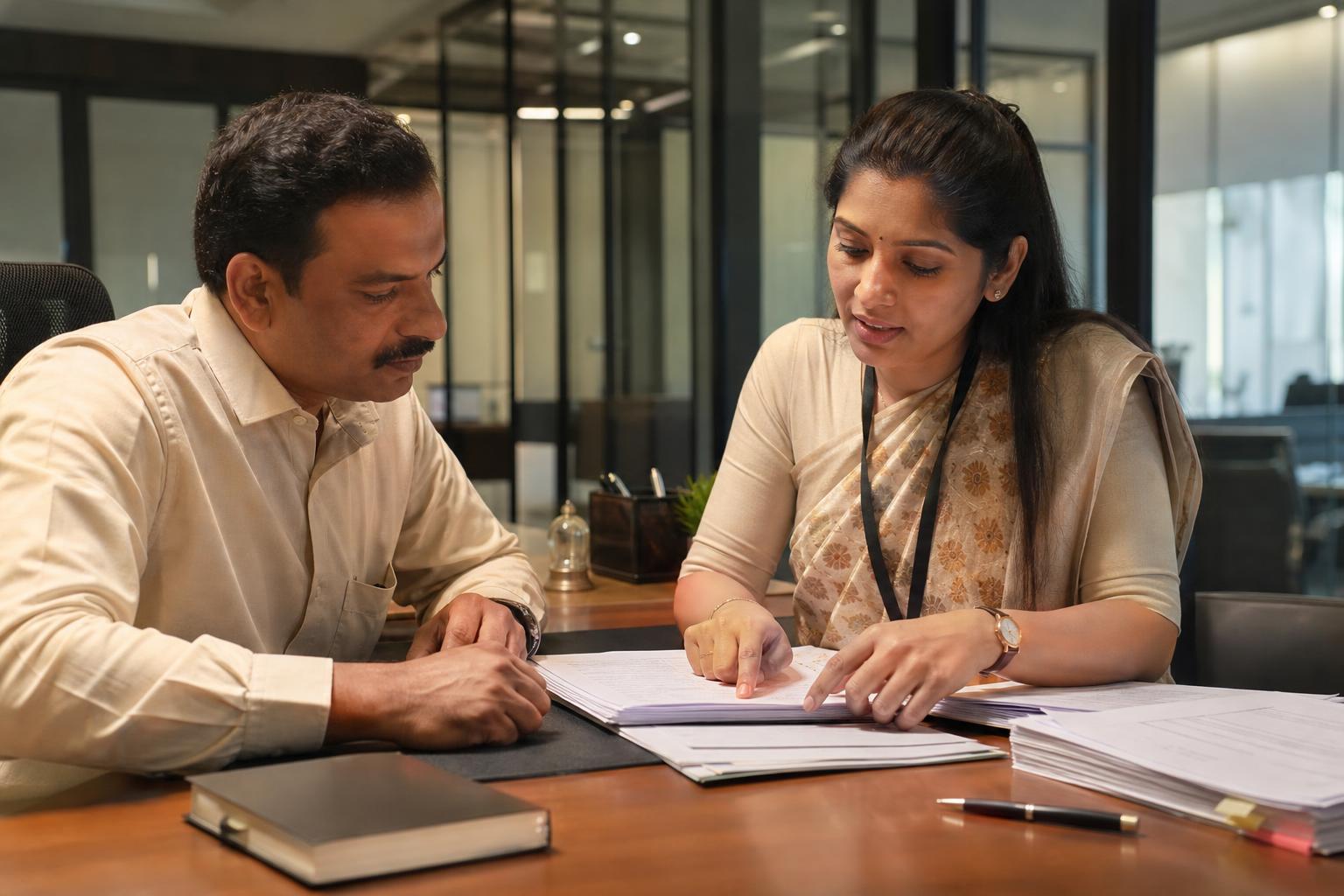
Hypothetical example: At a Pune site office, developer-owner Shreya shows a family the flat they have shortlisted. The quoted total is higher than the price they first saw, but the explanation is scattered across several notes. She needs a flat cost sheet format that shows what is included, what is additional and what still needs verification.
A useful flat cost sheet format shows the unit and quotation details, the area used to price the flat, the base price, and every applicable additional charge on separate lines. Each line should identify its calculation basis, amount, expected payment stage, and whether it is included in the displayed total. Show carpet area and any super built-up area as distinct figures; do not make buyers guess which one was used for pricing. Give GST, stamp duty and registration charges separate rows, and mark figures as estimated until the responsible team has checked the transaction and current official requirements. Finish with an estimated total, explicit exclusions, a quotation date and a version number. This layout helps a buyer compare offers and ask precise questions. It also gives the sales team a repeatable way to explain a difference between an advertised price and a quotation without presenting an early estimate as a final amount due.
Flat cost sheet format: a copy-ready template
Use this header: Project | Location | Tower or wing | Flat number | Configuration | Quotation reference and version | Date | Valid until | Sales contact. Then use the same columns for every charge: Charge head | Calculation basis | Amount (₹) | Expected payment stage | Included in displayed total? | Estimated or confirmed? | Verification note. An itemised sheet makes it easier to see which amounts sit beyond the base price, as described by Together Buying.
| Row | What to enter | What to verify |
|---|---|---|
| Unit and area | Area labels, figures and units; name the pricing basis | Current project documents |
| Base price | Quoted amount or stated area × rate | Arithmetic and quotation validity |
| Project charges | Each applicable charge on its own line | Whether it is included in the base price |
| GST | Separate amount and stated calculation assumptions | Current treatment for this transaction |
| Stamp duty | Separate amount and assumptions | Current official requirements and transaction details |
| Registration charges | Separate amount and assumptions | Current official requirements and transaction details |
| Estimated total | Sum only the rows marked as included | List exclusions directly below |
Mark unused rows “not applicable” rather than entering a guessed amount. Beneath the total, add: “This is an estimated quotation, not a final payment demand. Excluded or unverified items: [list].” Record what changed whenever a revised sheet replaces an earlier version.
How do you explain carpet area versus super built-up area?
Carpet area and super built-up area are different labels. Do not quote a rate against one area figure while displaying another as though it explains the price. Copy the applicable labels and measurements from current project documents, and state explicitly which figure—if either—was used to calculate the quotation.
Illustrative calculation: Suppose a sample sheet lists 900 sq ft as carpet area and 1,170 sq ft as super built-up area. At a sample rate of ₹8,000 per sq ft of carpet area, the base price is 900 × ₹8,000 = ₹72,00,000. Label the row “Pricing basis: carpet area.” These are invented inputs to demonstrate the template, not figures for an actual flat. If the price is a lump sum, say “lump-sum base price” instead of manufacturing an area-based rate.
What should the sheet say about GST on an under-construction flat?
Show GST on a separate row with the amount, the basis used for the calculation and a status such as “estimate—pending verification.” Do not hard-code a universal rate into the template. Before treating the figure as confirmed or issuing a payment demand, ask the responsible finance or compliance team to check current applicability and treatment for the particular project and transaction.
Beside the GST row, answer whether the amount is included in the estimated total and when it is expected to be payable. If the calculation has not been checked, write “to be confirmed” rather than leaving an automatically filled spreadsheet cell to speak for itself.
How do you show stamp duty and registration charges?
Give stamp duty and registration charges distinct rows. Show each estimated amount, its stated assumptions, the expected payment stage and whether it is included in the estimated total. Before presenting either amount as confirmed, check current official guidance and the details of the buyer’s transaction. A figure prepared for an illustrative Pune quotation should not be copied into another quotation without that check.
Also state whether the buyer is expected to pay an amount directly or whether its payment route still needs confirmation. This makes the sheet useful even when the final figure is not yet available: the buyer can see what remains open rather than mistaking an omission for an included charge.
How can a sales team check a flat quotation before sending it?
Use this send-check for Indian project quotations:
- Match the project, unit, area labels and measurements to current project documents.
- Confirm whether the base price is a lump sum or uses a named area-and-rate calculation.
- Check each charge, subtotal and total; mark every amount as included or excluded.
- Flag GST, stamp duty and registration figures that still need verification.
- Show expected payment stages, quotation validity and the version number.
- Save the copy sent to the buyer and explain material changes in a revised version.
Once staff have approved the numbers, Intellibook AI real estate builder software may help organise enquiry follow-ups around the quotation. Keep decisions about tax treatment, official charges and final figures with the responsible team; Intellibook AI should not replace their verification.
Key takeaways
- Separate the base price, project charges, GST, stamp duty and registration charges.
- State which area figure—or lump-sum price—explains the quotation.
- Label estimates, exclusions, payment stages and revisions clearly.
Frequently asked questions
What is a flat cost sheet format?
A flat cost sheet format is an itemised template for explaining a particular flat’s quoted price. It identifies the unit, pricing basis, base price and applicable additional charges. A buyer-ready sheet also shows when amounts may be payable, what is included in the estimated total, which figures remain unverified and how long the quotation is valid.
What is the difference between carpet area and super built-up area?
They are different area labels and should not be treated as interchangeable on a quotation. Show the figures and descriptions used in the current project documents, then name the exact area basis used to calculate the quoted price. If the flat has a lump-sum price, state that instead of implying either area figure determines it.
How should GST on an under-construction flat appear in a cost sheet?
Give GST a separate row showing the calculated amount, its assumptions, expected payment stage and whether it is included in the estimated total. Mark it as provisional if the treatment has not been checked. The responsible team should verify current applicability for the specific project and transaction before presenting the figure as confirmed.
Should stamp duty and registration charges be separate?
Yes. Separate rows let the buyer see each estimated amount, its assumptions and whether it is included in the displayed total. Note when payment is expected and whether the payment route needs confirmation. Check current official requirements and transaction details before replacing either estimate with a figure described as confirmed.
Make the quoted total easier to explain
Approve a versioned, itemised cost sheet before sharing it with buyers. Use it as the reference for follow-up questions, and route unverified charge questions to the team responsible for the figures.
Ready to automate your bookings on WhatsApp?
Set up your AI receptionist in under 10 minutes. No coding required.
Start 7-day free trial →